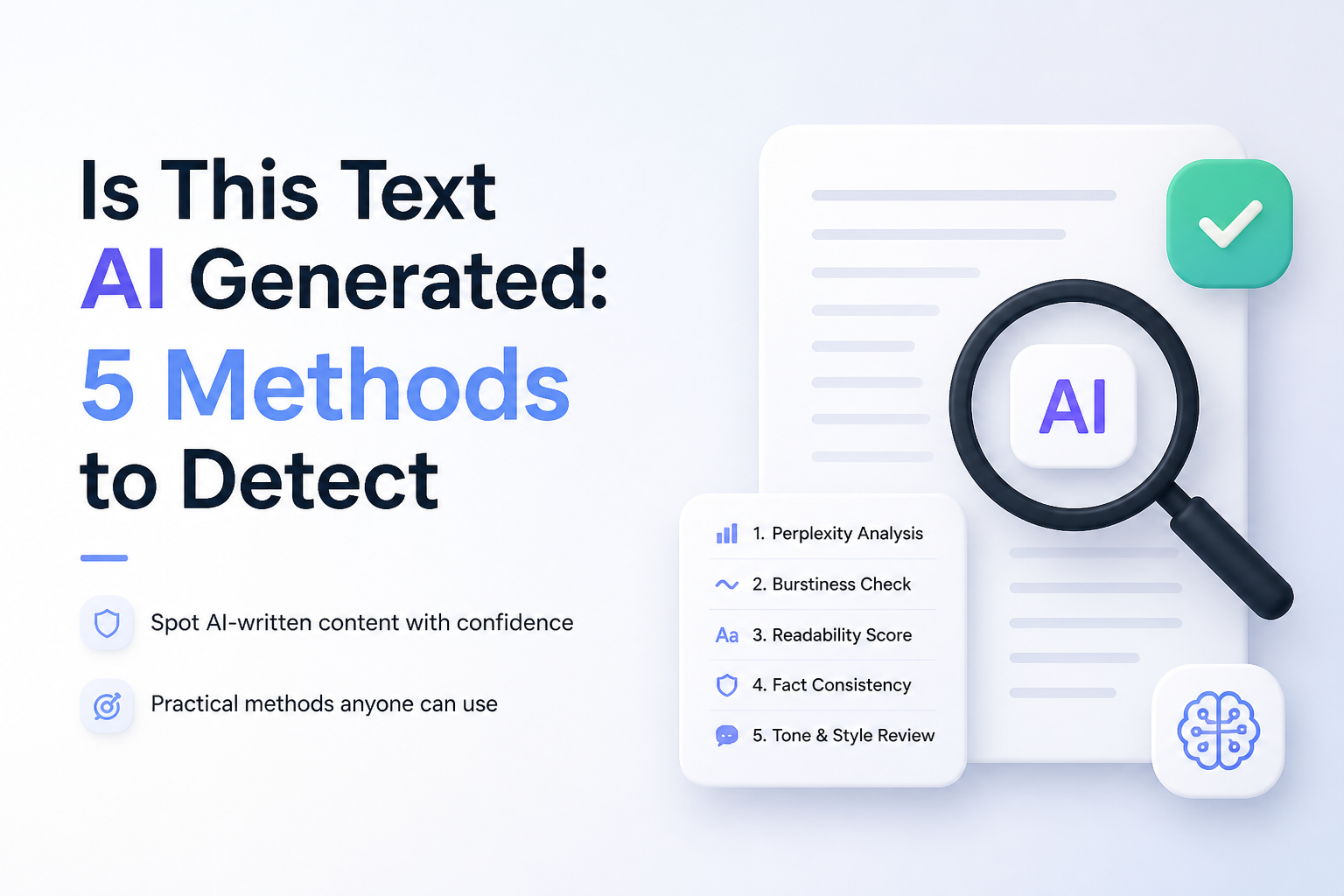
Is This Text AI Generated: 5 Methods to Detect
No single clue can prove that a passage came from AI. Use a detector for the first pass, then check the writing process, sources, plus context before reaching a conclusion.
Run the full passage through Clever AI Detector first, then inspect its sentence-level signals instead of relying only on the headline score. For important decisions, compare old writing, review draft history, verify sources, plus ask the writer about their process.
An AI score is not proof. False positives can affect polished, formal, heavily edited, translated, or non-native writing. Never punish, reject, or accuse someone based only on a detector result.
Scan for AI Writing Signals → Clever AI Detector
Free probability score · Sentence-level signals · Up to 10,000 words per check · English plus Spanish
Choose the Right Method to Detect AI-Generated Text
Start with a quick scan, then add stronger context when the decision matters.
| Method | Best for | Time | Success rate |
|---|---|---|---|
| 1. Scan the Text With Clever AI Detector TRY FIRST | Fast initial screening | ~2 min | ● 90% |
| 2. Compare It With Known Writing Samples | Familiar writers | ~10 min | ● 78% |
| 3. Inspect the Document’s Version History | Tracked drafts | ~5 min | ● 88% |
| 4. Verify the Facts Plus Citations | Research-heavy text | ~15 min | ● 72% |
| 5. Ask the Writer to Explain the Draft | Resolving mixed evidence | ~10 min | ● 82% |
When an AI Detector Should Not Make the Decision
Do not let one percentage decide a grade, job, payment, publication, or misconduct case. Formal prose can look statistically regular, while edited AI text may evade detection.
Use the scan to identify passages worth reviewing. The final judgment should include drafts, sources, writing history, assignment rules, plus the writer’s explanation.
Top 5 Methods to Detect AI-Generated Text
01 Scan the Text With Clever AI Detector
Fastest for getting a probability score plus sentence-level clues
~2 min
Scan the Text With Clever AI Detector
Fastest for getting a probability score plus sentence-level clues
Start with Clever AI Detector when you need a quick first read. It reports an overall probability, confidence level, plus highlighted sentences rather than presenting its result as proof.
- Copy a complete passage of at least 80 words. Avoid testing one sentence since short samples provide weak signals.
- Open Clever AI Detector, then paste the passage into the text box.
- Select Check for AI. The scan can handle up to 10,000 words at once.
- Read the probability score together with its confidence level. A result near the middle is less decisive than a result near either end.
- Review each highlighted sentence. Look for repeated sentence shapes, predictable wording, or unusually smooth transitions before forming an opinion.
02 Compare It With Known Writing Samples
Best for checking work from a familiar student, employee, author, or contributor
~10 min
Compare It With Known Writing Samples
Best for checking work from a familiar student, employee, author, or contributor
A person’s older work can reveal changes that a detector cannot explain. Compare habits such as sentence length, punctuation, vocabulary, examples, plus the way the writer handles uncertainty.
- Collect two or three verified samples written before the questioned text.
- Choose samples from a similar setting. A casual email is a poor match for a formal research paper.
- Compare paragraph length, punctuation habits, favorite phrases, spelling choices, plus typical errors.
- Mark sharp changes, such as perfect grammar replacing frequent comma mistakes or vague explanations replacing detailed personal reasoning.
- Ask the writer about one notable change instead of assuming AI caused it.
03 Inspect the Document’s Version History
Strongest when the file was drafted in Google Docs, Microsoft Word, or another tracked editor
~5 min
Inspect the Document’s Version History
Strongest when the file was drafted in Google Docs, Microsoft Word, or another tracked editor
Draft history shows how the text came together. Natural writing often contains pauses, rearranged paragraphs, corrected mistakes, plus partial ideas, while a large block appearing at once deserves closer review.
- Open the original document rather than a downloaded PDF or pasted copy.
- Find its version history, activity log, or tracked-changes panel.
- Check whether the draft grew gradually or appeared in one large insertion.
- Look for revisions that show genuine development, such as moved sections, replaced examples, or corrected reasoning.
- Compare creation times with any research notes, outlines, citations, or assignment milestones.
04 Verify the Facts Plus Citations
Useful for essays, reports, articles, or any passage making specific claims
~15 min
Verify the Facts Plus Citations
Useful for essays, reports, articles, or any passage making specific claims
Generated prose can sound confident while misreading a source or inventing publication details. Checking a few load-bearing claims often tells you more than circling generic phrases.
- Underline names, dates, statistics, quotations, study titles, plus specific historical claims.
- Choose three claims that the text relies on most heavily.
- Open the cited sources, then confirm that each source exists in the stated form.
- Check whether the source actually supports the nearby sentence rather than merely discussing the same topic.
- Record fabricated references, mismatched page numbers, fake quotations, or details that change during verification.
05 Ask the Writer to Explain the Draft
Best for resolving uncertainty after technical checks produce mixed results
~10 min
Ask the Writer to Explain the Draft
Best for resolving uncertainty after technical checks produce mixed results
A short, neutral conversation can uncover how the ideas were developed. Someone familiar with the draft should usually be able to explain its examples, sources, choices, plus revisions without reciting the prose word for word.
- Choose one unusual argument, example, or phrase from the passage.
- Ask the writer how that section developed, keeping the question neutral.
- Request the source or reasoning behind one central claim.
- Ask what the writer would change if given another hour.
- Compare the explanation with notes, earlier drafts, source files, plus the final text.
Which AI Detection Method Should You Use?
Start with Clever AI Detector if you need a fast probability estimate plus specific sentences to review. For a casual self-check, that may be enough. For school, hiring, publishing, or disciplinary decisions, pair the scan with version history, source verification, known writing samples, plus a fair conversation with the writer.
Save the detector report, document what you checked, then look for two independent forms of supporting evidence before making a high-stakes decision.