Is Clever AI Detector Worth Using?
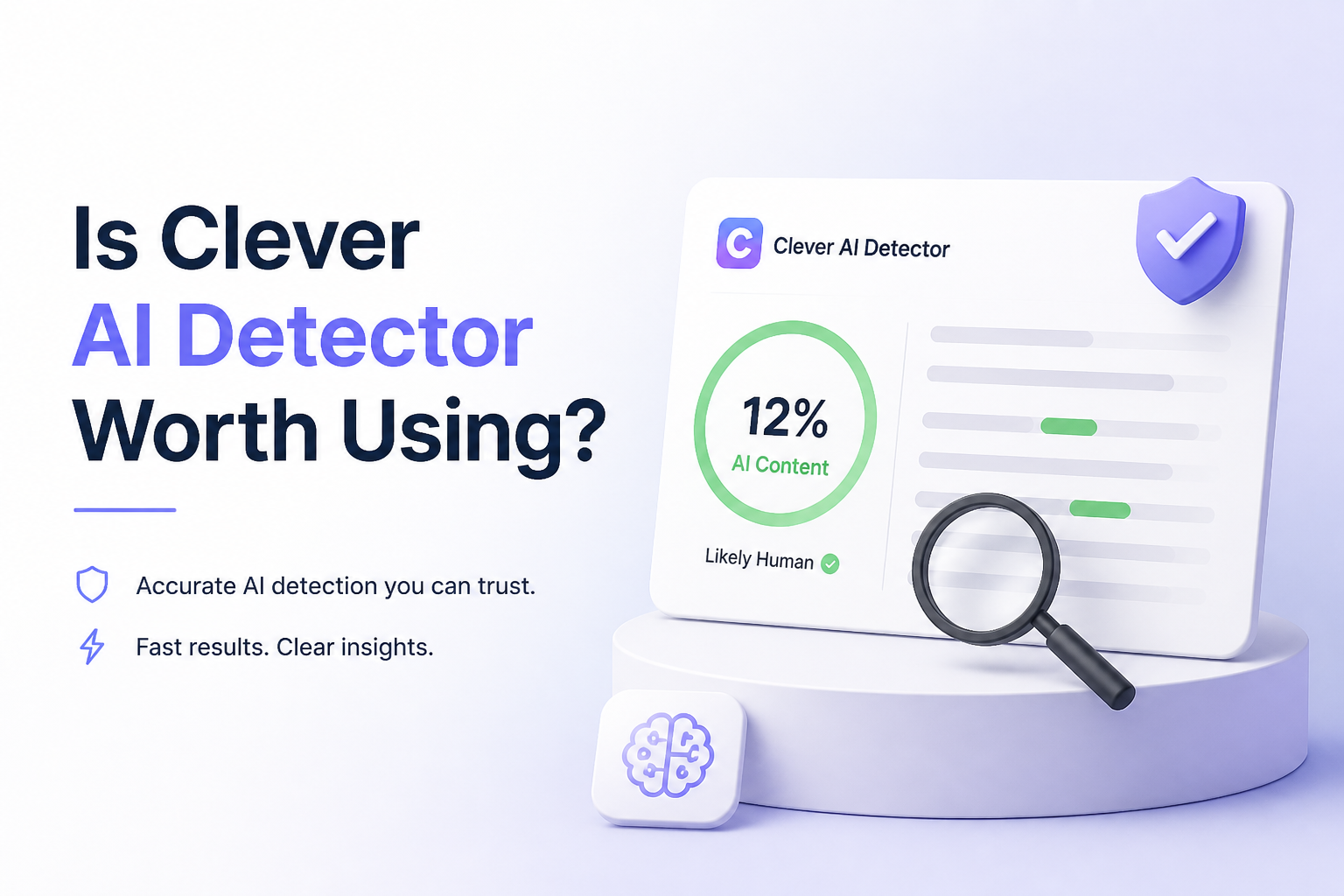
Clever AI Detector gives long documents a free, sentence-by-sentence check without forcing an account. Its cautious probability score is more useful than the usual big red verdict, though no detector should decide an authorship dispute by itself.
Clever AI Detector is worth using for screening drafts, submissions, or AI-assisted edits. It accepts 80 to 10,000 words per check, highlights sentence-level signals, costs $0, plus does not require an account.
Clever AI Detector at a Glance
8.9/10Clever AI Detector is a browser-based checker that estimates whether English text statistically resembles AI writing. It returns a document score, confidence level, plus highlighted sentence signals.
Best forEditors, writers, content managers, or teachers who need a quick screening signal before taking a closer look
- AI probability score from 0 to 100
- Sentence-level signal highlighting
- 80 to 10,000 words per check
- Optional check history
- No account required for guest checks
- Large free check allowance
- Clear sentence highlights
- Realistic wording about uncertainty
- English text only
- Cannot prove who wrote a document
- No direct document upload
How We Tested Clever AI Detector on Human, AI, Plus Mixed Drafts
We used several types of English text: plainly generated explanatory copy, human-written notes, edited AI passages, formal prose, plus mixed drafts containing both writing sources. We looked beyond the final percentage. Sentence highlighting, uncertainty, input limits, repeatability, result clarity, cost, plus published privacy details all affected the scores.
Our rating measures whether the tool is useful for everyday screening. It does not treat detector output as proof of authorship. A good result needed to help a reader investigate further without encouraging an unfair accusation.
When You Should Not Rely on Clever AI Detector
Do not use Clever AI Detector as the sole reason to punish a student, reject a freelancer, accuse an employee, or cancel a publication. False positives can occur with formal writing, non-native English, repetitive technical language, or text polished by grammar software.
A score also cannot reveal who typed the words. For serious decisions, review version history, notes, cited sources, earlier drafts, assignment requirements, plus the writer's explanation. Avoid submitting sensitive personal or business information to any public online checker.
Clever AI Detector Scores Across Our Review Criteria
| Category | Performance | Score |
|---|---|---|
| 01 Detection Results | 9.1/10 | |
| 02 Result Explanations | 9.4/10 | |
| 03 Document Handling | 8.6/10 | |
| 04 Privacy Practicality | 7.8/10 | |
| 05 Free Access | 9.6/10 |
Clever AI Detector Features, Limits, Plus Test Findings
01 Detection Results
Strong screening with honest limits
9.1/10
Detection Results
Strong screening with honest limits
We checked plainly generated passages, older human drafts, plus mixed documents where AI text had received a light manual edit. Clever usually separated the obvious cases cleanly. Mixed writing produced less decisive scores, which is exactly where a detector should show restraint.
The result is presented as a probability rather than proof. That distinction matters. Formal prose, translated writing, repeated technical language, or heavily polished copy can resemble machine output even when a person wrote every line.
- Handled obvious AI passages convincingly in our sample
- Recognized straightforward human drafts without needless alarm
- Reports uncertainty instead of claiming perfect accuracy
- Works with text from many common generative models
- Mixed human-AI drafts remain difficult to judge
- English-only support narrows its usefulness
- Scores can shift after small edits
02 Result Explanations
The score comes with useful context
9.4/10
Result Explanations
The score comes with useful context
A single percentage is easy to misread. Clever adds a confidence level plus highlights the sentences carrying stronger AI signals. We found those markings more useful than the document-wide number because they show where rhythm, predictability, or stock phrasing may be affecting the result.
The interface also explains that a 90% AI score does not mean 90% of the words came from a machine. It means the document's statistical profile closely resembles generated writing. That small explanation prevents a fairly common mistake.
- Sentence-level highlighting points to specific trouble spots
- Confidence information adds context to borderline scores
- Plain wording makes results easy to interpret
- Avoids pretending that statistical detection proves authorship
- Highlights do not fully explain why each phrase triggered
- A percentage can still look more certain than it really is
03 Document Handling
Comfortable with long pasted drafts
8.6/10
Document Handling
Comfortable with long pasted drafts
Each check accepts 80 to 10,000 words. That range suits full reports, long articles, several essay sections, or batches of product copy. Short snippets below 80 words are rejected because they contain too little signal for a meaningful estimate.
The tool is browser based, so there is nothing to install. You paste plain text rather than upload a formatted file. That keeps the workflow quick, though people reviewing lots of DOCX or PDF submissions may miss direct file uploads.
- 10,000-word ceiling covers most everyday documents
- No desktop installation required
- Check history is available with an optional account
- Unlimited runs make comparison testing practical
- No direct DOCX or PDF upload in the basic workflow
- Minimum length blocks short captions or brief emails
- Formatting is not the focus of the pasted-text interface
04 Privacy Practicality
Fine for ordinary drafts, not sensitive records
7.8/10
Privacy Practicality
Fine for ordinary drafts, not sensitive records
Clever says submitted content is processed through external AI or language-model providers. Its published privacy material says content is not used to train models. Guest use requires no email, which reduces the amount of account information you hand over.
Still, this is an online checker. We would not paste medical notes, legal strategy, unpublished financial details, student records, passwords, or confidential client work into it. Remove names plus identifying facts before checking anything private.
- Guest checks work without account registration
- Published policy says submitted text is not used for model training
- Encrypted transfer is stated in the privacy documentation
- Optional history can be deleted from an account
- Text is processed by external service providers
- Not appropriate for confidential or regulated material
- Saved history creates extra exposure if users forget to delete it
05 Free Access
No paid gate around the useful result
9.6/10
Free Access
No paid gate around the useful result
The full detector currently costs $0. You get the probability score, confidence information, sentence signals, plus the large per-check allowance without entering payment details. Account creation is optional unless you want saved history.
This is the clearest reason to try Clever before paying for another checker. Free access does not make its conclusions final, but it removes the pressure to squeeze every test into a tiny trial allowance.
- Full detector result costs $0
- No sign-up required for ordinary checks
- No ads or result paywall on the tested page
- Unlimited runs support repeated draft checks
- Optional account adds history rather than core accuracy
- Free availability could change later
- No paid team controls or institutional workflow
- Service availability may affect access during busy periods
Is Clever AI Detector Worth Using?
Clever AI Detector is worth using as a free screening tool, especially if you want to inspect a long draft without creating an account. The sentence signals plus confidence level make its output more useful than a bare percentage.
Editors, writers, or content teams should try it. Anyone seeking definitive authorship proof, disciplinary evidence, or analysis of confidential text should skip that use case because no AI detector can safely provide such certainty.
Check at least 80 words, inspect the highlighted sentences, then compare the score with draft history plus your own review before reaching any conclusion.