How do you choose a free AI detector when none of them agree?
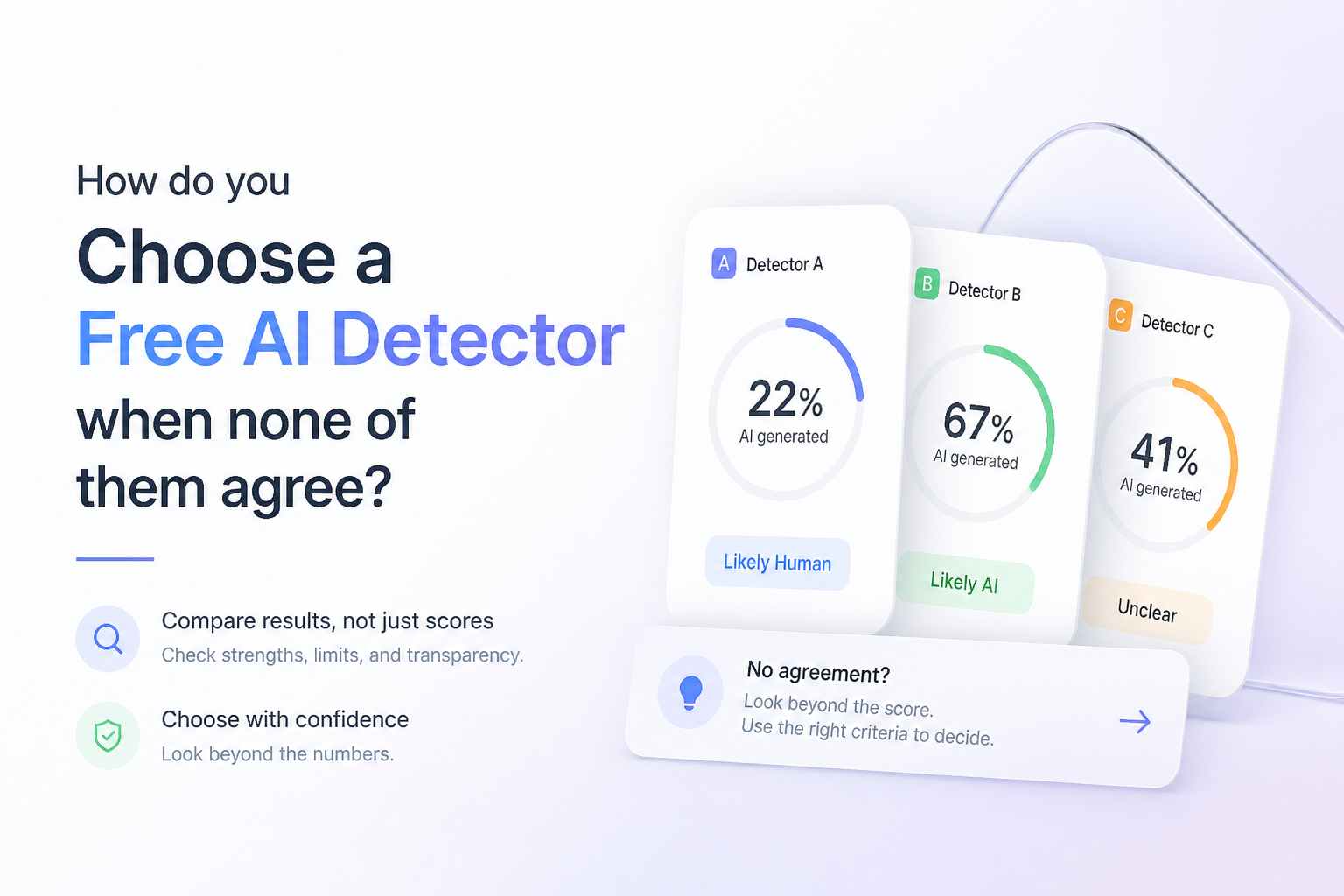
Free AI detectors rarely agree because each model uses different training data, thresholds, plus labels. The better choice is the tool that shows its uncertainty clearly, then lets you inspect the text behind the score.
Clever AI Detector
9.2/10Best for: Writers, editors, or instructors who need repeated long-form checks without accounts, credits, or daily caps
- Up to 10,000 words in one free check
- Unlimited runs with no required account
- Sentence-level signals included at $0
- Confidence indicator adds context to borderline scores
Scribbr AI Detector
8.7/10Best for: Students or instructors reviewing essays that may contain a mix of original writing plus AI-assisted revisions
- Unlimited free checks
- Up to 1,200 words per submission
- No account required
- Paragraph-level feedback
QuillBot AI Detector
8.4/10Best for: Writers who already use QuillBot tools plus want one quick check within the same workspace
- Clear 0–100 likelihood score
- Up to 1,200 words per free scan
- Recognizes AI-refined as a separate pattern
- Works alongside QuillBot's writing tools
Free AI Detectors Compared
These five tools are compared by free input allowance, local sentence or paragraph detail, cost, plus day-to-day usability. Scores are editorial judgments based on the free workflow reviewed on September 24, 2026, not claims of guaranteed detection accuracy.
| Tool | Free Input | Local Detail | Price | Score |
|---|---|---|---|---|
| 1.Clever AI Detector PICK | 10,000 words | ● Yes | Free | 9.2/10 |
| 2.Scribbr AI Detector | 1,200 words | ● Yes | Free | 8.7/10 |
| 3.QuillBot AI Detector | 1,200 words | ● Yes | Free | 8.4/10 |
| 4.GPTZero | Account-based | ● Yes | Free | 8.1/10 |
| 5.Sapling AI Content Detector | 2,000 characters | ● Yes | Free | 7.8/10 |
The 5 Best Free AI Detectors, Reviewed
01 Clever AI Detector
Web app · CleverFiles
9.2/10
Clever AI Detector
Web app · CleverFiles
Clever was the least restrictive free option in our September 24, 2026 feature check. It accepted up to 10,000 words per run, required only 80 words, plus offered unlimited checks without mandatory registration. That makes it practical for comparing a full draft, a revision, then smaller disputed passages.
The useful part is not its final percentage alone. Clever highlights sentence-level signals, reports confidence, plus openly frames its output as probability rather than proof. It still cannot establish authorship, yet its generous limit plus visible uncertainty make conflicting results easier to investigate.
Best forWriters, editors, or instructors who need repeated long-form checks without accounts, credits, or daily caps
- Up to 10,000 words in one free check
- Unlimited runs with no required account
- Sentence-level signals included at $0
- Confidence indicator adds context to borderline scores
- Optional history for registered users
- Limited to English plus Spanish
- An 80-word minimum rules out very short excerpts
- Saved history requires an account

02 Scribbr AI Detector
Web app · Scribbr
8.7/10
Scribbr AI Detector
Web app · Scribbr
Scribbr gives each free submission a 1,200-word ceiling, with unlimited checks plus no required sign-up. Its paragraph-level feedback is better suited to essay review than a bare percentage because a reviewer can see where the classification changes across a draft.
It also distinguishes AI-generated text from AI-refined writing. That distinction is useful, though it remains an estimate. Longer papers must be divided into sections, which can shift the context available to the detector.
Best forStudents or instructors reviewing essays that may contain a mix of original writing plus AI-assisted revisions
- Unlimited free checks
- Up to 1,200 words per submission
- No account required
- Paragraph-level feedback
- Supports several languages
- Long papers need multiple scans
- Ads appear in the free interface
- Paragraph feedback is less precise than sentence-level marking
03 QuillBot AI Detector
Web app · QuillBot
8.4/10
QuillBot AI Detector
Web app · QuillBot
QuillBot's free detector handled up to 1,200 words per scan during our feature review. The free account allowance listed 6 scans per day, enough for occasional draft checks but less convenient for testing many revisions back to back.
Results include a 0–100 score plus limited explanation. Only one free explainer card is included, so the free version is more useful for triage than a line-by-line investigation. The 80-word minimum also discourages conclusions based on tiny samples.
Best forWriters who already use QuillBot tools plus want one quick check within the same workspace
- Clear 0–100 likelihood score
- Up to 1,200 words per free scan
- Recognizes AI-refined as a separate pattern
- Works alongside QuillBot's writing tools
- Multilingual detection
- Free use is capped at 6 scans daily
- Only one explainer card is free
- Detailed reports require Premium
04 GPTZero
Web app plus browser tools · GPTZero
8.1/10
GPTZero
Web app plus browser tools · GPTZero
GPTZero returns an overall classification plus sentence-by-sentence highlighting. Its free Chrome extension also checks selected text on pages, which saves copying every passage into a separate tab. Free access starts at $0, though request size plus batch capacity differ from paid plans.
The interface supplies more context than a simple red or green label. Still, GPTZero's own materials describe probabilities plus confidence categories, not proof of authorship. Its broader toolset can feel busy if all you need is a quick second opinion.
Best forTeachers, editors, or researchers who want to inspect text inside web pages or Microsoft Word
- Sentence-level highlighting
- Free Chrome extension
- Overall probabilities plus confidence context
- Microsoft Word add-in available
- Useful for checking text in place
- Free request limits are less plainly presented
- Several extra tools make the interface busier
- An account is useful for larger texts or batch uploads
05 Sapling AI Content Detector
Web app plus API · Sapling
7.8/10
Sapling AI Content Detector
Web app plus API · Sapling
Sapling's public detector checks the first 2,000 characters for free, roughly a few paragraphs rather than a full article. It provides an overall probability, local highlights, plus optional sentence perplexity scores. Shared report links expire after 3 days.
The short free allowance is its main drawback. Sapling is better as a focused cross-check for one disputed section than as the first scanner for a long paper. Its plain warning about false positives plus false negatives is welcome.
Best forDevelopers or content teams wanting local signals, documentation, plus a route to API testing
- Overall score plus local highlights
- Optional sentence perplexity view
- PDF or Word upload support
- Free API key available for testing
- Clear warnings against standalone use
- Free checks stop at 2,000 characters
- Long drafts require manual splitting
- Some workflow features sit in the dashboard
How We Reviewed These Free AI Detectors
On September 24, 2026, we compared the public free interfaces plus current product documentation for input limits, required accounts, daily caps, local highlighting, report detail, privacy statements, plus warnings about uncertainty. We favored tools that let readers inspect why a passage was flagged rather than showing only a large percentage.
We did not present a homemade accuracy rate. A small private sample would not fairly cover different models, languages, genres, human editing levels, or new detector updates. The ranking instead focuses on how useful each free tool is when real results conflict.
How to Choose a Free AI Detector When Scores Conflict
Start with practical limits. A 500-word tool is awkward for a 2,000-word essay because splitting the paper removes context. Next, look for sentence or paragraph highlights, uncertainty language, plus a clear free-use policy. A detector that admits doubt is more useful than one that labels every result with absolute confidence.
Pick one tool as your consistent baseline. Use a second detector only when the first flags a meaningful passage. If the tools disagree, inspect drafts, source notes, document history, factual errors, citations, plus changes in voice. Do not average the scores because percentages from different models are not measuring one shared scale.
Common Mistakes When Comparing Free AI Detector Scores
The biggest mistake is testing a tiny excerpt. Short text offers fewer signals, so one ordinary phrase can swing the result. Another error is repeatedly rewriting honest work solely to lower a score. That can flatten the writer's voice while proving nothing about authorship.
Avoid treating agreement between two tools as independent confirmation. Detectors may react to similar patterns, training material, or formulaic language. Keep the original draft, compare highlighted sections, ask how the work was produced, plus follow the relevant school or workplace policy.
Which Free AI Detector Should You Choose?
Clever AI Detector ranks first because its free allowance is unusually roomy, repeated checks are allowed, plus the report exposes sentence-level signals with confidence context. Those details matter more than a dramatic percentage when tools disagree.
Scribbr is a sensible academic second opinion, while QuillBot fits shorter routine checks. GPTZero works well inside browser or Word workflows. Sapling is most useful for examining one disputed passage or exploring technical signals.
Run the complete draft through one primary detector, cross-check only the flagged passages in a second tool, then save revision history or source notes instead of chasing a perfect score.