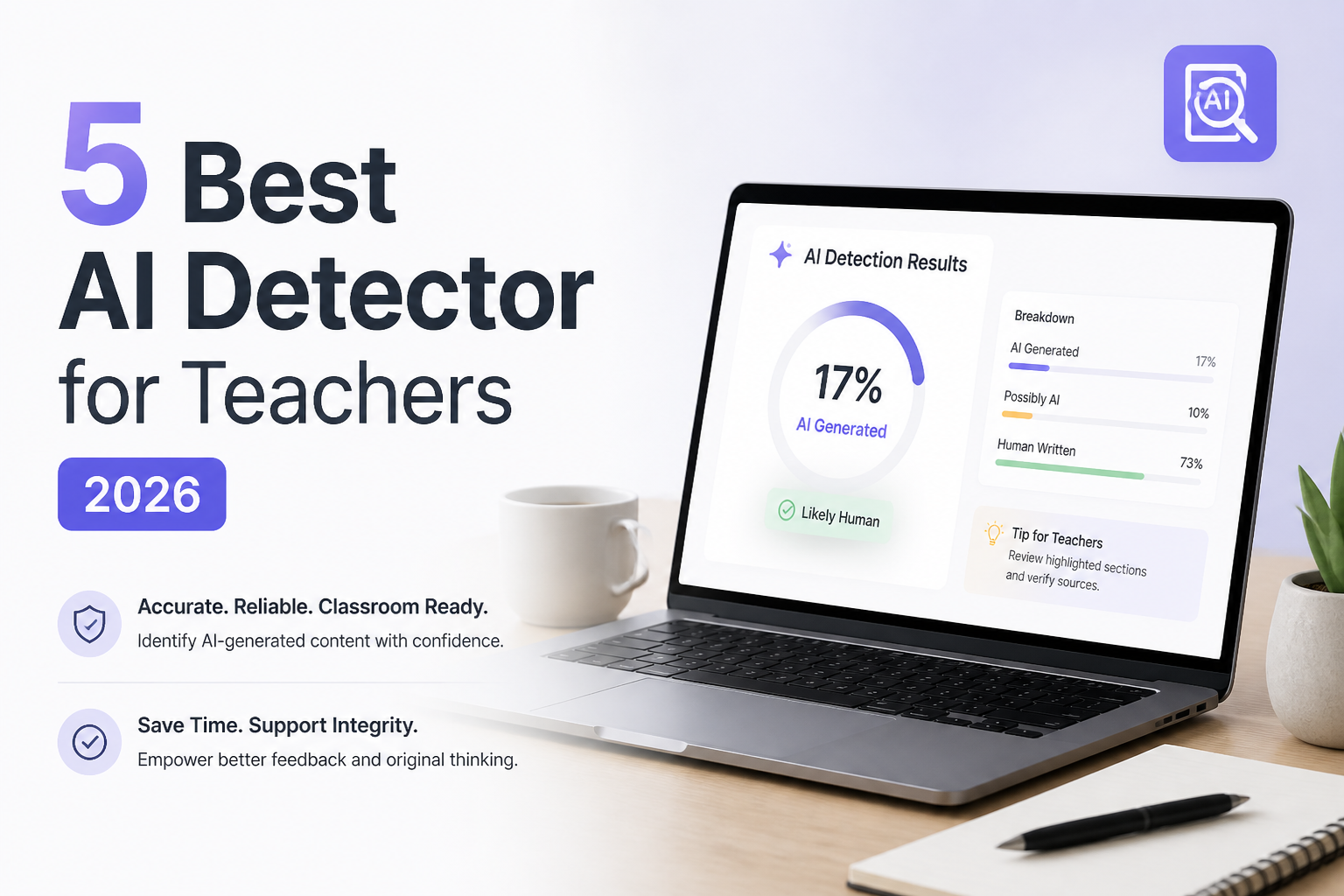
5 Best AI Detector for Teachers 2026
Five AI checkers compared for real classroom use, from quick essay screening to school-wide LMS workflows. Every result should start a review, not settle a misconduct case.
Clever AI Detector
9.2/10Best for: Teachers who want detailed essay checks without subscriptions, tiny scan caps, or forced registration
- Up to 10,000 words in one check
- Unlimited checks at no cost
- Sentence-level signals included free
- No registration required for basic use
GPTZero
8.8/10Best for: Teachers who need document reports, writing-process context, or a path toward team features
- Built specifically with educators in mind
- Sentence-level highlighting
- Writing Replay plus authorship tools
- Downloadable reporting on eligible plans
Copyleaks
8.5/10Best for: Departments or institutions needing multilingual checks, plagiarism scanning, analytics, plus LMS connections
- AI plus plagiarism results in one report
- Detection in more than 30 languages
- Multiple-file uploads
- Google Docs add-on plus browser extensions
Best AI Detectors for Teachers Compared
This table compares the five tools by sentence-level evidence, LMS support, verified entry price, plus overall classroom usefulness. Scores reflect editorial judgment based on limits, transparency, workflow, cost, plus available teacher features, not a claim that any detector can prove authorship.
| Tool | Sentence Detail | LMS Support | Price | Score |
|---|---|---|---|---|
| 1.Clever AI Detector PICK | ● Yes | ● No | Free | 9.2/10 |
| 2.GPTZero | ● Yes | ● Yes | Free | 8.8/10 |
| 3.Copyleaks | ● Yes | ● Yes | $13.99/mo | 8.5/10 |
| 4.QuillBot AI Detector | ● Yes | ● No | Free | 8.1/10 |
| 5.Grammarly AI Detector | ● No | ● No | Free | 7.8/10 |
The 5 Best AI Detectors for Teachers, Reviewed
01 Clever AI Detector
Web app · CleverFiles
9.2/10
Clever AI Detector
Web app · CleverFiles
Clever AI Detector is the easiest tool here to put into a normal grading routine. It accepts 80 to 10,000 words per check, requires no account, plus shows an overall probability beside the sentences that influenced it. A 2,400-word sample essay fit into one scan with plenty of room left.
The result is framed as a probability rather than proof. That distinction matters in a classroom, where polished human work can trigger false positives. Teachers can copy the report, inspect individual passages, then compare those passages with drafts or revision history.
Its weak spot is institutional workflow. There is no advertised LMS integration or class dashboard, plus current detection is focused on English. Still, the combination of useful detail, unlimited runs, a $0 price, plus an unusually large per-check allowance makes it the strongest individual-teacher option.
Best forTeachers who want detailed essay checks without subscriptions, tiny scan caps, or forced registration
- Up to 10,000 words in one check
- Unlimited checks at no cost
- Sentence-level signals included free
- No registration required for basic use
- Optional history for signed-in users
- English-only detection
- No advertised LMS integration
- A score still needs human review
02 GPTZero
Web platform · GPTZero
8.8/10
GPTZero
Web platform · GPTZero
GPTZero has one of the most education-focused feature sets in this group. Beyond a detector score, its product lineup includes sentence highlighting, downloadable reports, authorship tools, Writing Replay, browser tools, plus higher-volume file scanning on paid plans.
The free plan is useful for occasional checks, with 10,000 words per month listed for basic scanning. That is enough for a handful of essays, not a full stack from several classes. A teacher processing 25 papers at 1,000 words each would exceed the free monthly allowance.
GPTZero makes more sense where the writing process matters as much as the final result. Its extra context can support a calm student conversation. The tradeoff is cost once scanning volume grows.
Best forTeachers who need document reports, writing-process context, or a path toward team features
- Built specifically with educators in mind
- Sentence-level highlighting
- Writing Replay plus authorship tools
- Downloadable reporting on eligible plans
- Team options for departments or schools
- Free monthly allowance is fairly easy to exhaust
- Best workflow features sit behind paid plans
- Detector results can still produce false positives
03 Copyleaks
Web platform · Copyleaks
8.5/10
Copyleaks
Web platform · Copyleaks
Copyleaks is the heavyweight option. Its education product connects with platforms such as Canvas, Moodle, Blackboard, Schoology, D2L Brightspace, Sakai, plus Edsby. It also combines AI detection with plagiarism checking, which reduces the need to move student work between separate services.
The Personal plan includes 1,200 annual credits, described as enough for up to 300,000 words or 1,200 images. It also supports multiple-file uploads, saved scans, browser extensions, plus a Google Docs add-on. That setup is practical for a department chair or teacher handling longer research assignments.
The downside is buying complexity. Individual pricing is clear, while education pricing depends on full-time student counts. It is more platform than most solo teachers need.
Best forDepartments or institutions needing multilingual checks, plagiarism scanning, analytics, plus LMS connections
- AI plus plagiarism results in one report
- Detection in more than 30 languages
- Multiple-file uploads
- Google Docs add-on plus browser extensions
- Integrates with major LMS platforms
- Education pricing requires a sales conversation
- More complicated than a quick paste-in checker
- Individual monthly plan costs more than several rivals
04 QuillBot AI Detector
Web app · QuillBot
8.1/10
QuillBot AI Detector
Web app · QuillBot
QuillBot's detector is approachable. Paste text, run the scan, then review its category breakdown. The free version permits up to 1,200 words per scan plus six scans per day, which fits discussion posts, short responses, plus many high-school essays.
A 2,400-word paper would need two scans on the free tier. That split can make the overall result less convenient, though it also encourages paragraph-level review rather than treating one percentage as a verdict.
QuillBot is especially handy if the school already uses its grammar checker, paraphraser, or plagiarism features. Heavy grading weeks expose the free tier's daily cap quickly.
Best forTeachers checking a few short assignments who already use QuillBot's grammar or writing tools
- Simple interface for occasional checks
- Free scans up to 1,200 words
- Six free scans per day
- Categories distinguish edited AI text
- Connects with QuillBot's other writing tools
- Long essays require multiple free scans
- Free explainers are limited
- No prominent teacher dashboard on the basic tool
05 Grammarly AI Detector
Web app · Grammarly
7.8/10
Grammarly AI Detector
Web app · Grammarly
Grammarly's free checker gives a clear percentage showing how much of a passage resembles AI-generated writing. File upload is supported, plus the interface will feel familiar to teachers or students who already use Grammarly.
The more interesting option is the Pro experience, where the AI Detector agent can identify suspect sections, explain why wording may look machine-generated, plus help a writer revise. That is better suited to formative feedback than a simple accusation based on one score.
For teachers, Grammarly works best as a second opinion or student-facing writing aid. Its public free checker gives less visible sentence-level evidence than Clever, while institutional Grammarly for Education arrangements require separate evaluation.
Best forTeachers who want a basic detector beside familiar grammar, citation, plus revision tools
- Free public detector
- File upload supported
- Familiar interface
- Pro tools add explanations plus revision help
- Useful companion to grammar or citation tools
- Free result is less detailed than the winner's report
- Advanced context requires a paid plan
- Better as a second signal than a disciplinary tool
How We Compared AI Detectors for Teachers in 2026
We compared each tool using the classroom tasks that create the most friction: checking a short response, fitting a 2,400-word essay into the available scan limit, locating the passages behind a result, saving or sharing a report, plus estimating the cost of repeated use. Published word limits, language coverage, file support, account requirements, pricing, plus education integrations were checked against current vendor pages in September 2026.
The score favors usable evidence over a dramatic percentage. Tools gained ground for sentence-level context, uncertainty language, generous limits, clear pricing, plus workflow support. No score represents proof of authorship or a guarantee against false positives.
How to Choose an AI Detector for Classroom Use
Start with volume. A teacher checking three short essays per week can live with a modest free allowance. Someone grading 120 papers needs batch uploads, saved reports, or an LMS connection. Check the minimum text length too, since detectors usually become less useful on one-sentence answers.
Next, inspect what sits behind the final percentage. Sentence highlights, confidence indicators, revision history, plus downloadable reports give you something concrete to discuss with a student. A bare red score is fast, though it offers little context when the student disputes it.
Common Mistakes Teachers Make With AI Detection Results
The biggest mistake is treating a high score as proof. Formal writing, repetitive assignment structures, heavy grammar editing, English-language learners, plus formulaic lab reports can confuse detection systems. Very short text is another poor use case because there are too few patterns to assess.
A safer process uses the detector as one signal. Compare the submission with earlier work, look at version history, ask for notes or sources, then have the student explain a paragraph in their own words. School policy should define what AI help is permitted before software enters the conversation.
Which AI Detector Should a Teacher Use in 2026?
Clever AI Detector earns first place because it gives an individual teacher more room to work without charging for the useful details. The 10,000-word allowance, unlimited checks, confidence language, plus sentence-level review fit everyday grading better than a tiny free demo.
Choose GPTZero if process evidence or educator-oriented reporting matters most. Copyleaks is the stronger institutional purchase, while QuillBot or Grammarly make sense for occasional checks inside an existing writing workflow.
Run questionable work through two detectors, then review drafts, document history, citations, plus the student's ability to explain the ideas before making any academic-integrity decision.