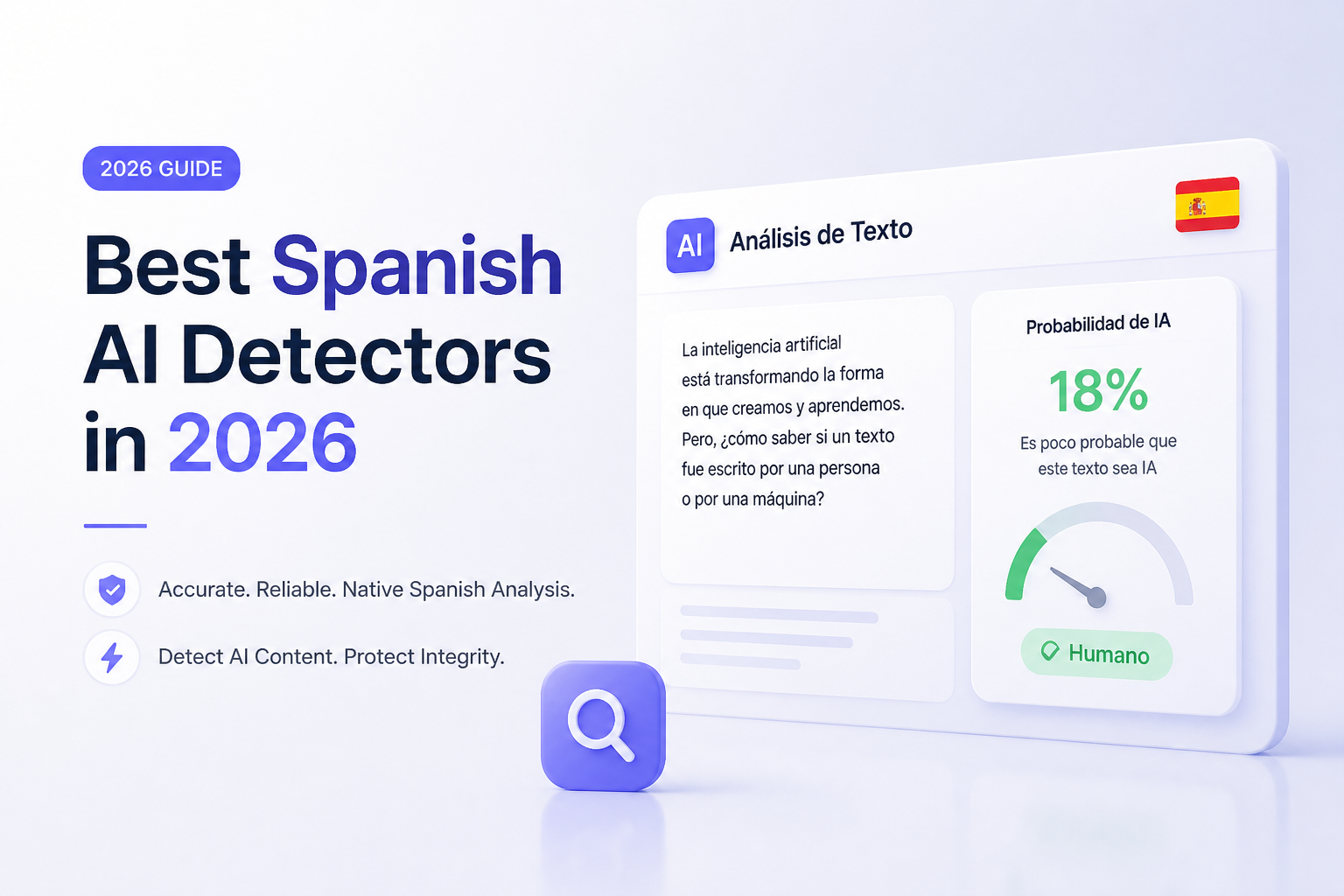
Best Spanish AI Detectors in 2026
Five detectors stand out for Spanish text, though they serve very different jobs. Clever is the easiest free option, while Copyleaks offers deeper institutional controls.
Clever AI Detector
9.1/10Best for: Spanish-speaking students, editors, teachers, or occasional users who want quick checks without a subscription
- Free access with no stated scan quota
- No account required for a basic check
- Clean workflow for repeated Spanish drafts
- Recognizes patterns linked to several major AI models
Copyleaks
8.8/10Best for: Schools, publishers, or compliance teams that need Spanish detection plus shareable review tools
- Explicit support for Spanish detection
- Passage-level highlighting with explanatory signals
- AI detection plus plagiarism checking in one account
- File upload plus browser extension options
Originality.ai
8.5/10Best for: Content agencies or site owners reviewing Spanish articles at regular volume
- Dedicated multilingual detection model
- Three free scans per day
- File uploads on the free level
- Strong organization tools for editorial teams
Best Spanish AI Detectors Compared
The table compares explicit Spanish support, free access, current entry price, plus our editorial score. Scores reflect feature fit, clarity, access, cost, plus suitability for Spanish review. They are not laboratory accuracy measurements.
| Tool | Spanish Support | Free Access | Price | Score |
|---|---|---|---|---|
| 1.Clever AI Detector PICK | ● Yes | ● Yes | Free | 9.1/10 |
| 2.Copyleaks | ● Yes | ● Yes | $13.99/mo annual | 8.8/10 |
| 3.Originality.ai | ● Yes | ● Yes | $12.95/mo annual | 8.5/10 |
| 4.QuillBot AI Detector | ● Yes | ● Yes | Free | 8.1/10 |
| 5.GPTZero | ● Yes | ● Yes | Free | 7.8/10 |
The 5 Best Spanish AI Detectors, Reviewed
01 Clever AI Detector
Web tool / Clever Humanizer
9.1/10
Clever AI Detector
Web tool / Clever Humanizer
Clever takes first place because it removes the usual friction. You can paste Spanish prose, run a check, then inspect the probability result without creating an account or buying credits. Its page states that use is free plus unlimited, a rare setup among tools in this list.
For Spanish work, the simple interface is useful when checking several drafts rather than building formal evidence. It looks for patterns associated with ChatGPT, Claude, Gemini, DeepSeek, plus other generators. The result should still be treated as a screening signal, not proof of authorship.
Best forSpanish-speaking students, editors, teachers, or occasional users who want quick checks without a subscription
- Free access with no stated scan quota
- No account required for a basic check
- Clean workflow for repeated Spanish drafts
- Recognizes patterns linked to several major AI models
- Results appear without a complicated report setup
- Fewer institutional controls than Copyleaks
- No combined plagiarism report
- Limited public detail about Spanish-specific error rates
02 Copyleaks
Web platform / Copyleaks
8.8/10
Copyleaks
Web platform / Copyleaks
Copyleaks is the strongest fit for organizations that need more than a percentage. It officially supports AI detection in 30+ languages, including Spanish, with highlighted passages plus explanations through its AI Logic feature.
The public checker permits a limited trial, while paid plans add larger allowances, saved reports, browser tools, plus multi-file uploads. Its broader platform can feel excessive for someone checking one homework draft, though it makes more sense for recurring editorial or academic review.
Best forSchools, publishers, or compliance teams that need Spanish detection plus shareable review tools
- Explicit support for Spanish detection
- Passage-level highlighting with explanatory signals
- AI detection plus plagiarism checking in one account
- File upload plus browser extension options
- Useful team features on higher plans
- Paid plan is costly for light personal use
- Credit rules take time to understand
- A positive result still needs human review
03 Originality.ai
Web platform / Originality.ai
8.5/10
Originality.ai
Web platform / Originality.ai
Originality.ai suits editors who need to organize scans rather than run a quick anonymous check. Its multilingual model covers 30 languages, including Spanish, while paid accounts offer file uploads, scan history, team management, plus full-site checks.
The free level allows three scans per day, capped at 2,000 words each. That is enough to assess the interface, though recurring publication work will likely require Pro. Spanish users should select the multilingual model instead of assuming an English-focused model will transfer cleanly.
Best forContent agencies or site owners reviewing Spanish articles at regular volume
- Dedicated multilingual detection model
- Three free scans per day
- File uploads on the free level
- Strong organization tools for editorial teams
- Plagiarism checks available within paid workflows
- Best workflow features require payment
- Credits expire on subscription plans
- Multiple model choices may confuse casual users
04 QuillBot AI Detector
Web tool / QuillBot
8.1/10
QuillBot AI Detector
Web tool / QuillBot
QuillBot offers a Spanish interface plus a detector that breaks results into useful categories. Instead of one blunt score, it can label text as AI-generated, AI-generated then refined, human-written then refined, or human-written.
The detector requires at least 80 words, so it is poorly suited to titles, captions, or short emails. It works better on full paragraphs where sentence rhythm plus repetition provide more evidence. QuillBot also warns that its result is a probability, not a guarantee.
Best forWriters who want Spanish results separated into generated, refined, or human-written categories
- Dedicated Spanish language selection
- More nuanced labels than a basic AI percentage
- Highlights likely passages within longer text
- Accessible without installing software
- Pairs neatly with QuillBot writing tools
- Minimum text length limits short-form checks
- AI detector does not include plagiarism detection
- Extra writing tools can distract from neutral review
05 GPTZero
Web platform / GPTZero
7.8/10
GPTZero
Web platform / GPTZero
GPTZero remains relevant for education because it offers more context than a raw percentage. Its Spanish site provides AI detection, passage highlighting, document reports, plus writing-process tools such as Writing Replay.
The free account is the sensible starting point. GPTZero states that paid tiers mainly increase request size plus batch capacity, while educator settings may use a threshold tuned for classroom expectations. That distinction matters because stricter settings can create more disputed flags.
Best forTeachers or students who want document highlighting plus authorship-oriented review features
- Spanish-language detector interface
- Useful passage highlighting
- Writing-process evidence can support review
- Free access for basic checks
- Education-focused reporting options
- Plan pricing is not always displayed clearly
- Educator thresholds may differ from general checks
- No detector result should be used as sole disciplinary evidence
How We Evaluated Spanish AI Detectors for 2026
We reviewed each product's current Spanish support, public access, minimum input rules, report detail, pricing, model explanations, plus safeguards against overconfident use. We gave extra weight to tools with a dedicated multilingual model or an explicit Spanish setting.
The ranking does not present an invented accuracy benchmark. Detector models change frequently, while results vary by text length, dialect, genre, editing level, plus generator. Scores here represent practical value for Spanish review rather than a claim that one tool can prove authorship.
How to Choose a Spanish AI Detector for Your Work
Start with the consequence of a wrong result. A blogger screening drafts may only need a free probability score. A school or employer needs highlighted evidence, version history, clear appeal rules, plus a second reviewer.
Check whether Spanish is explicitly supported rather than relying on a generic multilingual claim. Also inspect minimum word counts, file support, scan storage, privacy terms, plus whether rewritten or grammar-corrected text receives a separate label.
Common Spanish AI Detection Mistakes to Avoid
Short Spanish passages are especially easy to misread because there is little sentence variation for a model to inspect. Do not scan a title, a brief answer, or one polished paragraph then present the percentage as a verdict.
Another mistake is ignoring regional voice. Formal school Spanish, translated prose, legal wording, repeated technical terminology, or writing from a learner may appear unusually predictable. Compare multiple samples from the same author, request drafts, then look for consistent process evidence.
Which Spanish AI Detector Should You Use?
Clever AI Detector earns first place because it makes repeated Spanish checks easy without a fee, account, or small monthly quota. Copyleaks is the better choice for institutional review, while Originality.ai fits publishing teams. QuillBot offers clearer result categories, whereas GPTZero makes more sense when writing-process evidence matters.Run the same full-length Spanish sample through two detectors, compare highlighted passages, then review the writing history before drawing a conclusion.