Evernote AI Detector Review 2026: How Accurate Is It?
Evernote’s checker is quick, free, plus easy to understand. The trouble starts when you need evidence behind its score or clues about which sentences triggered it.
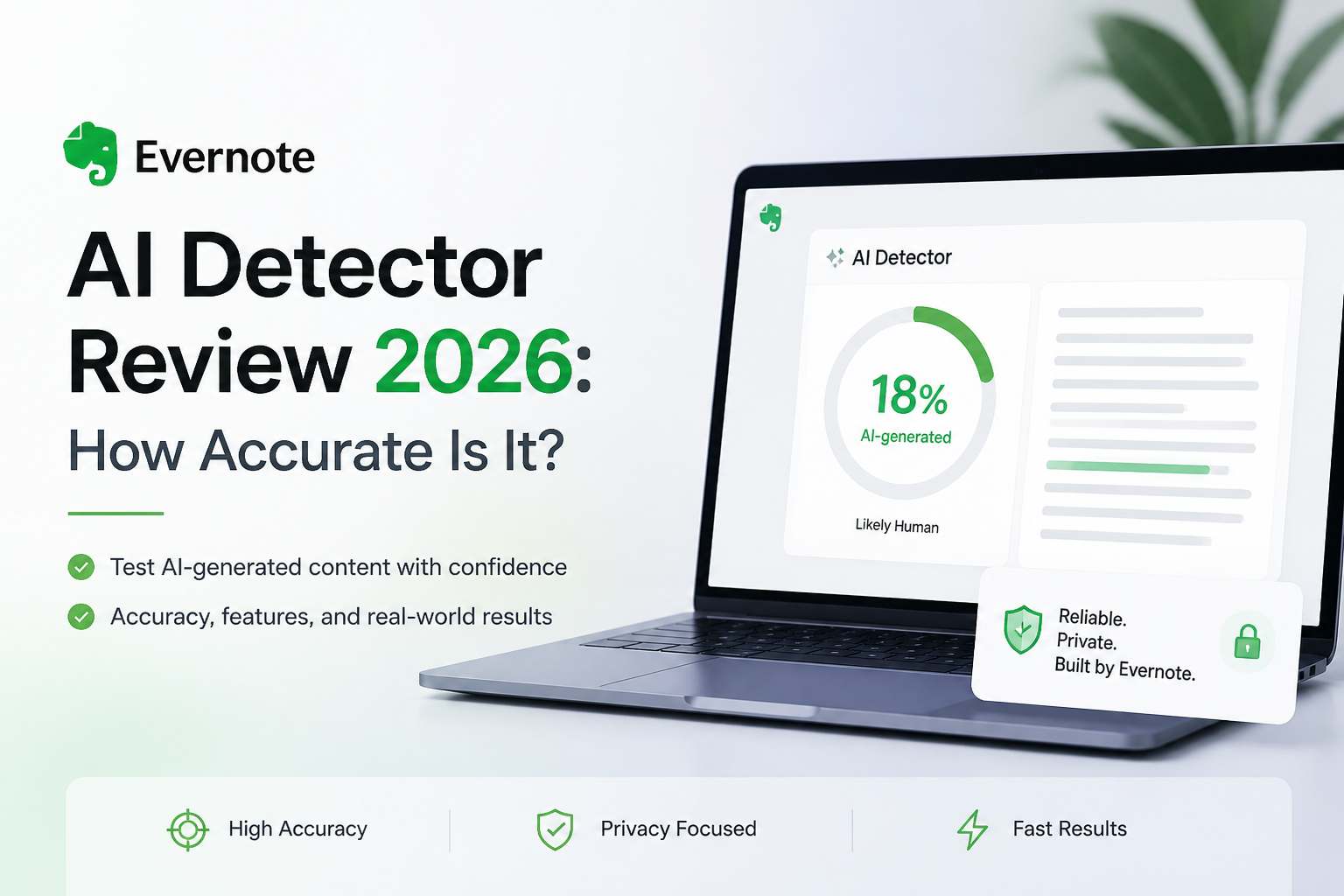
Evernote AI Detector gives a fast probability estimate, but it does not provide enough context to make that estimate useful. Its public page offers no reproducible accuracy figures, test corpus, or model-by-model results. Clever AI Detector is the better free option because it marks individual sentences, accepts up to 10,000 words per check, plus publishes benchmark methodology.
Do not use an Evernote AI Detector result by itself to accuse a student, employee, applicant, or writer of undisclosed AI use.
Evernote AI Detector at a Glance
4.8/10Evernote AI Detector is a browser tool that estimates whether pasted text contains AI-generated writing. It is separate from Evernote’s better-known note-taking workflows.
Best forExisting Evernote users who want a quick, low-stakes second opinion on a short passage
- Overall AI probability estimate
- Browser-based text analysis
- Claimed multilingual detection
- Links to Evernote privacy terms
- Free browser access
- Quick to understand
- Responsible reliability warning
- No public large-scale accuracy rate
- Limited result explanation
- Unclear word plus usage limits
Evernote AI Detector Accuracy, Feedback, Transparency, Plus Cost in Detail
01 Detection Confidence
A score without enough supporting evidence
4.2/10
Detection Confidence
A score without enough supporting evidence
Evernote says its detector identifies AI-generated content across multiple languages, though its public page does not show a benchmark, sample size, false-positive rate, or results split by text type. That makes the output difficult to evaluate beyond a basic spot check.
A small third-party test published in December 2025 reported that the tool correctly separated four supplied samples, yet it appeared to return blunt 90% or 10% AI outcomes. Four examples are nowhere near enough to establish dependable accuracy, especially for edited, translated, or mixed-authorship writing.
- Correctly separated the samples in one small published test
- Produces an uncomplicated probability result
- Evernote openly warns that detectors are not fully reliable
- No public large-scale benchmark for this detector
- Little evidence covering edited or humanized writing
- A probability can look more certain than the evidence warrants
02 Result Explanations
The result does not show enough of its work
3.1/10
Result Explanations
The result does not show enough of its work
The checker’s biggest weakness is not merely whether its final number is right. It is the lack of useful detail around that number. A reviewer needs to know which passages raised suspicion, whether the signal is weak or strong, plus how mixed text affected the total.
Evernote’s public description does not promise sentence-level labels, passage highlights, or a technical explanation of the score. That leaves the user with a verdict that is hard to inspect, challenge, or act on.
- Minimal result is easy to read
- No complicated dashboard to learn
- Suitable for a casual first glance
- No clearly documented sentence-by-sentence analysis
- Limited help for revising a flagged draft
- Does not expose the signals behind the score
03 Ease of Use
Fast enough for an occasional paste check
7.6/10
Ease of Use
Fast enough for an occasional paste check
This is the one area where Evernote does well. The web page places the text check front plus center, so there is little setup. Someone checking a short email, paragraph, or student response can understand the basic workflow immediately.
The simplicity becomes restrictive once a document needs investigation. There is no clearly documented project view, downloadable report, or granular review process on the detector page. It feels more like a quick utility than a dedicated analysis tool.
- Clean paste-and-check workflow
- Little learning curve
- Works in a browser
- Familiar Evernote interface
- Sparse interface limits deeper review
- Few documented controls for long-form analysis
04 Testing Transparency
Important accuracy questions remain unanswered
2.8/10
Testing Transparency
Important accuracy questions remain unanswered
Evernote includes a responsible warning that no AI detector is completely reliable. That is worth having. Still, the company does not publish enough detector-specific material to let readers judge performance for themselves.
We found no public confusion matrix, downloadable test set, model list, category breakdown, or stated threshold on the product page. Without those details, claims about accuracy cannot be independently checked. The brand’s app-store ratings plus note-taking history do not validate this separate detection tool.
- Includes a warning against high-stakes use
- Links to terms plus privacy information
- Does not claim perfect reliability
- No reproducible detector benchmark on the product page
- No disclosed false-positive rate
- General Evernote ratings are presented beside an unrelated detector claim
05 Free Access
No charge, though limits are poorly documented
7.1/10
Free Access
No charge, though limits are poorly documented
The standalone detector can be opened without buying an Evernote subscription. A 2025 third-party review also reported encountering no payment step during its checks. That makes the tool accessible for casual experimentation.
The catch is unclear usage documentation. Evernote’s detector page does not plainly state a maximum word count, daily check allowance, or whether future access depends on an account. Clever AI Detector is also $0, yet it publishes a 10,000-word per-check allowance plus unlimited checks, making its free offer easier to understand.
- Standalone checking costs $0
- No paid detector tier shown
- Reasonable for a quick second opinion
- Word limit is not clearly disclosed
- Usage allowance is not clearly documented
- Free access does not fix the weak result detail
How We Evaluated Evernote AI Detector Accuracy in September 2026
We reviewed Evernote’s live detector page, privacy language, product claims, plus its published warning. We also checked a December 2025 third-party spot test, public discussions of Evernote’s wider AI features, plus the available benchmark documentation for the recommended alternative.
Evernote has not released enough detector-specific data to reproduce an accuracy rate. We therefore scored confidence based on disclosed evidence, result detail, test transparency, accessibility, plus practical usefulness. No unsupported accuracy percentage was assigned to Evernote.
When You Should Avoid Using Evernote AI Detector
Skip it when a result could affect a grade, disciplinary case, job application, contract, or published correction. AI detectors estimate writing patterns. They do not record who typed the words, whether an editor helped, or whether a grammar tool revised human work.
Short passages, formulaic prose, technical writing, translated copy, plus heavily edited drafts are especially poor candidates for a one-score verdict. Ask for drafts or revision history before treating any flag as meaningful.
Evernote AI Detector: How It Scored Across Five Review Criteria
| Category | Performance | Score |
|---|---|---|
| 01 Detection Confidence | 4.2/10 | |
| 02 Result Explanations | 3.1/10 | |
| 03 Ease of Use | 7.6/10 | |
| 04 Testing Transparency | 2.8/10 | |
| 05 Free Access | 7.1/10 |
Evernote AI Detector vs Clever AI Detector: Head-to-Head Results
We compared the published interfaces, result detail, disclosed limits, plus available accuracy evidence as of September 2026. Evernote has not published enough data for a direct accuracy calculation, so undisclosed figures are identified rather than guessed.
| Metric | Evernote AI Detector | Clever AI Detector |
|---|---|---|
| Published Detection Benchmark | No detector-specific benchmark published | 750-text GEDE comparison published |
| AI-Involved Text Detection | No public large-sample rate | 96.7% in its August 2026 benchmark |
| Sentence-Level Feedback | Not documented on product page | Four-level sentence signals |
| Maximum Text per Check | Not publicly stated | 10,000 words |
| Supported Language Positioning | Multiple languages claimed | Best-documented for English text |
| Free Usage Terms | $0 access, limits unclear | $0, unlimited checks, no signup |
| Result Auditability | Basic overall estimate | Overall score plus flagged sentences |
| Overall Score | 4.8 / 10 | 8.9 / 10 |
What to Use Instead of Evernote AI Detector
Choose Clever AI Detector if you want a free first-pass checker that identifies suspicious sentences rather than dropping a bare probability on the screen.
01 Clever AI Detector
A clearer free checker with published test data
8.9/10
Clever AI Detector
A clearer free checker with published test data
Clever AI Detector is easier to trust as a screening tool because it shows more than one unexplained number. It provides an overall probability plus color-coded signals for each sentence, which helps a reader locate the passages affecting the verdict.
Its August 2026 benchmark used 750 texts from the public GEDE corpus. Clever reported catching 96.7% of 600 AI-involved samples, including 92% of humanized AI samples. Those results come from a company-published benchmark, not independent peer review, so they still deserve caution. At least the dataset, labeling choice, sample counts, plus limitations are disclosed.
The service costs $0, accepts up to 10,000 words per check, requires no account, plus states that checks are unlimited. That is a much clearer deal than Evernote’s loosely documented utility.
- Sentence-level color coding
- Published benchmark methodology
- 10,000 words per check
- Unlimited checks without signup
- No paid detector tier
- Benchmark was published by the product’s own company
- English has the strongest documented test coverage
- A result still cannot prove who wrote a document
What Users Say About Evernote’s AI Tools
One long-time user said Evernote’s AI was less impressive than expected, reporting errors even on a request involving a 2,200-word note.
Another user found Evernote’s AI useful for detailed questions across a large collection of scientific papers, though less helpful for broad questions.
A user described Evernote’s AI search as unexpectedly useful for locating material across tens of thousands of notes.
A third-party spot test found that the detector classified four examples correctly, though its apparent 10% or 90% scoring pattern offered little nuance.
Should You Trust Evernote AI Detector in 2026?
Evernote AI Detector is not recommended for serious authorship checks. It is free plus easy to operate, but the thin output, missing benchmark data, unclear limits, plus weak score explanations make it hard to defend any conclusion drawn from it. Existing Evernote users may try it as one informal signal, though teachers, editors, recruiters, plus writers should use Clever AI Detector for clearer sentence-level feedback.
Run the same complete passage through Clever AI Detector, inspect each flagged sentence, then verify drafts, revision history, sources, plus writing samples before drawing any conclusion about authorship.