Best AI Checkers Without Sign-Up: A Look at Clever AI Detector
Five browser-based AI checkers that let you test text before handing over an email address. Clever AI Detector takes first place, mostly due to its large free limit plus useful sentence signals.
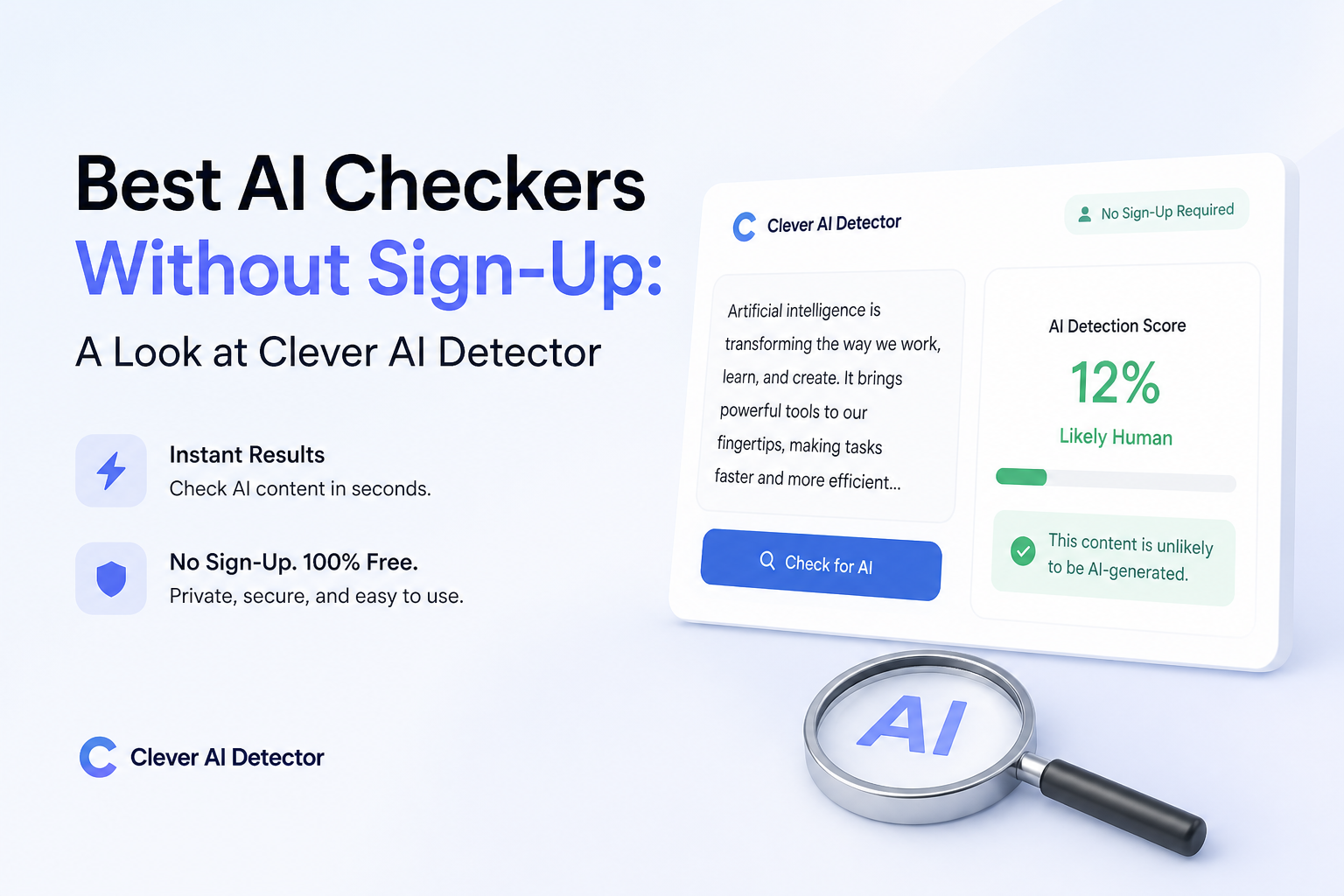
Clever AI Detector
9.2/10Best for: Editors, students, plus writers checking long English drafts without creating an account
- Up to 10,000 words in one check
- No registration needed for core detection
- Unlimited free runs subject to service availability
- Sentence-level signals included at no cost
Scribbr AI Detector
8.6/10Best for: Students reviewing essays in English, Spanish, German, or French
- Unlimited free checks
- No account required
- Supports several major European languages
- Distinguishes AI-refined text from fully generated text
QuillBot AI Detector
8.2/10Best for: Writers who want a quick scan plus brief explanations of flagged passages
- Public detector works without initial registration
- Up to 1,200 words per scan
- Limited explanation cards included
- One free rewrite explanation
Best AI Checkers Without Sign-Up Compared
This table compares input allowance, sentence-level feedback, price, plus overall usefulness. Scores reflect editorial judgment based on access friction, report clarity, limits, plus responsible-result framing. They are not controlled accuracy benchmarks.
| Tool | Free Input Limit | Sentence Signals | Price | Score |
|---|---|---|---|---|
| 1.Clever AI Detector PICK | 10,000 words | ● Yes | Free | 9.2/10 |
| 2.Scribbr AI Detector | 1,200 words | ● No | Free | 8.6/10 |
| 3.QuillBot AI Detector | 1,200 words | ● Yes | Free | 8.2/10 |
| 4.Grammarly AI Detector | Not stated | ● No | Free | 7.8/10 |
| 5.Sapling AI Detector | 2,000 characters | ● Yes | Free | 7.4/10 |
The 5 Best AI Checkers Without Sign-Up, Reviewed
01 Clever AI Detector
Web app by CleverFiles
9.2/10
Clever AI Detector
Web app by CleverFiles
Clever AI Detector is unusually generous for a browser tool. It accepts 80 to 10,000 words per check, requires no account, plus permits unlimited runs subject to service availability. That makes it practical for a full article or essay rather than a few isolated paragraphs.
The report gives an overall probability, confidence context, plus sentence-level signals. This is more useful than a bare percentage because you can inspect what influenced the result. It also plainly says that detection is probability, not proof.
The main limitation is language support. Detection currently focuses on English. An optional account saves check history, though the core checker works without one.
Best forEditors, students, plus writers checking long English drafts without creating an account
- Up to 10,000 words in one check
- No registration needed for core detection
- Unlimited free runs subject to service availability
- Sentence-level signals included at no cost
- Probability framing avoids pretending the score is proof
- English-only detection at present
- An account is needed to preserve check history
- The 80-word minimum makes it unsuitable for tiny snippets
02 Scribbr AI Detector
Browser checker by Scribbr
8.6/10
Scribbr AI Detector
Browser checker by Scribbr
Scribbr keeps the process simple: paste a draft, run the check, then review classifications for human-written, AI-generated, or AI-refined text. No sign-up is required. Its 1,200-word submission ceiling is enough for a short paper, though longer assignments need splitting.
The standout detail is multilingual support. English, German, French, plus Spanish are listed, which gives it a clear edge over English-only tools. Scribbr also says free checks are unlimited.
Paragraph-level feedback helps locate suspicious sections, but splitting a long paper can distort context. Run complete sections rather than random fragments where possible.
Best forStudents reviewing essays in English, Spanish, German, or French
- Unlimited free checks
- No account required
- Supports several major European languages
- Distinguishes AI-refined text from fully generated text
- Paragraph-level feedback is easy to scan
- Limited to 1,200 words per submission
- Long documents must be divided
- A score still cannot establish authorship
03 QuillBot AI Detector
Web tool by QuillBot
8.2/10
QuillBot AI Detector
Web tool by QuillBot
QuillBot’s free checker handles up to 1,200 words per scan, with a stated allowance of six scans daily. The detector can be used from the public page, so a new account is not needed for a basic check.
Its explainer cards are the useful part. Rather than stopping at a percentage, the interface gives limited reasons for flagged writing plus one free rewrite card. That can help an author notice repetitive or overly predictable passages.
The daily cap is the tradeoff. Six checks may be plenty for one essay, but editors processing a queue will hit the limit quickly. Premium removes detection limits, though it falls outside this no-sign-up shortlist.
Best forWriters who want a quick scan plus brief explanations of flagged passages
- Public detector works without initial registration
- Up to 1,200 words per scan
- Limited explanation cards included
- One free rewrite explanation
- Clear separation between AI detection plus plagiarism checking
- Free use is capped at six scans daily
- Full explanations require Premium
- Easy to waste scans by checking tiny fragments
04 Grammarly AI Detector
Online checker by Grammarly
7.8/10
Grammarly AI Detector
Online checker by Grammarly
Grammarly places a free detector directly on its public website. You can paste text or upload a file, then receive a percentage showing how much of the passage resembles AI writing. The initial checker is accessible before account creation.
The broader Grammarly workflow is the real attraction. Users who later sign up can connect detection with rewriting, citations, plagiarism tools, plus Authorship tracking. For a one-off anonymous check, much of that extra ecosystem is irrelevant.
The public page does not state a clear no-account word allowance. That uncertainty makes Clever or Scribbr easier to plan around when you have a long document.
Best forExisting Grammarly users who want detection beside everyday writing tools
- Public scanning interface is quick to reach
- Accepts pasted text or file uploads
- Simple result presentation
- Fits naturally into Grammarly’s writing ecosystem
- No clear public word allowance for anonymous checks
- Many supporting features lead toward account creation
- A single percentage offers limited authorship evidence
05 Sapling AI Detector
Browser utility by Sapling
7.4/10
Sapling AI Detector
Browser utility by Sapling
Sapling’s public detector is built for smaller checks. Free anonymous queries are limited to 2,000 characters, roughly 400 to 500 tokens. That is enough for several paragraphs, but not a typical essay.
The report combines an overall probability with sentence-level highlighting plus optional perplexity scores. Sapling advises using at least 50 words for better results. It also warns against treating any detector as a standalone decision tool.
The character ceiling is restrictive, yet it has one advantage: it discourages users from dropping a private full document into a third-party service. For short samples, the interface is direct plus fairly transparent.
Best forReviewers inspecting a paragraph, support reply, or compact content sample
- Works from a public browser page
- Sentence-level highlighting
- Perplexity details are available
- Clear warning about false results
- Useful for compact passages
- Free checks stop at 2,000 characters
- Long texts require repeated manual splitting
- Short, generic prose can produce false positives
How We Assessed AI Checkers That Work Without Sign-Up
We first verified that each checker exposed a working public input box before account creation. We then compared the stated free input limit, daily restrictions, report detail, language support, pricing, plus whether the service clearly acknowledged false positives.
The ranking favors usable access over dramatic accuracy claims. No shared independent benchmark covers every current detector under identical conditions, so we did not turn vendor accuracy percentages into our scores. A large input allowance, inspectable sentence feedback, plus cautious wording counted for more than a bold claim on a landing page.
How to Choose a Free AI Checker Without Creating an Account
Start with document length. A 10,000-word checker can inspect a report in context, while a 2,000-character tool forces awkward splitting. Context matters because a polished introduction may look statistically different from the rougher body of the same document.
Next, look beyond the headline percentage. Sentence or paragraph indicators let you inspect the passages behind a score. Also check language coverage, minimum length, file-upload options, plus the service’s privacy terms before pasting confidential work.
Common Mistakes to Avoid With No-Sign-Up AI Detectors
Checking one polished sentence is rarely useful. Short passages contain fewer patterns, so scores can swing sharply. Avoid repeatedly rewriting honest work just to satisfy one detector. That can flatten a writer’s voice without proving anything.
The bigger mistake is using a high score as a disciplinary verdict. Compare prior drafts, citations, document history, assignment instructions, plus the writer’s explanation. For workplace material or unpublished research, remove names plus sensitive details before using any public checker.
Which No-Sign-Up AI Checker Should You Use?
Clever AI Detector earns first place because its 10,000-word allowance is far less cramped than the other free tools, while its sentence signals make the score easier to inspect. Scribbr is a sensible runner-up for multilingual or academic work. QuillBot suits writers who value short explanations, while Sapling is better kept for brief excerpts.
Whichever checker you choose, read the result as a rough screening signal. A detector cannot see revision history, research notes, classroom context, or how a person normally writes.
Run the same complete passage through two tools, note where they disagree, then review the draft history before making any authorship judgment.