QuillBot Review 2026: Can You Find Better Tool?
QuillBot remains useful for quick paraphrasing, though its humanizer feels like one feature inside an increasingly crowded toolbox. People mainly trying to soften AI-written text can find a simpler, cheaper option.
QuillBot is not our pick for AI humanizing in 2026. Its basic free humanizer accepts only 125 words per input, while the more capable version sits behind Premium. Try Clever AI Humanizer first if rewriting AI drafts is your main goal.
The biggest concern is paying for a broad writing subscription when you may only need one focused humanizing tool.
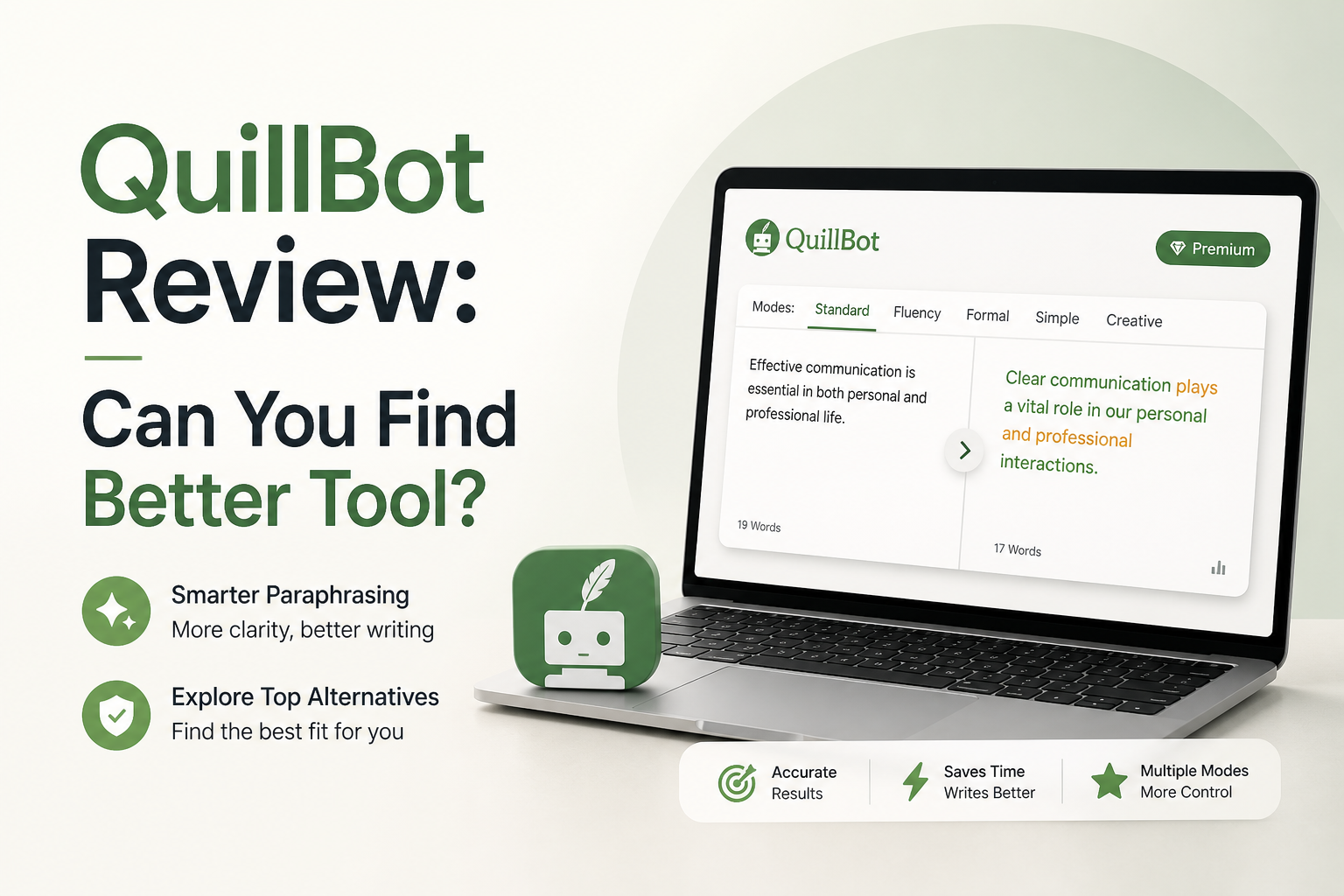
QuillBot at a Glance
5.8/10QuillBot is an online writing suite built around paraphrasing, grammar correction, summarization, translation, AI detection, plus humanizing. Its breadth is useful, though the dedicated humanizer is restricted on the free plan.
Best forWriters who need paraphrasing, grammar correction, translation, plus summarization under one subscription
- Basic plus Advanced AI Humanizer
- Paraphraser with multiple writing modes
- Grammar checker plus summarizer
- AI detector plus plagiarism checker
- Web, browser, mobile, plus office integrations
- Broad writing toolbox
- Easy side-by-side revisions
- Useful meaning controls
- 125-word free web limit
- Advanced Humanize requires Premium
- Generic output still needs editing
How We Evaluated QuillBot for This 2026 Review
We evaluated QuillBot as a rewriting service, not as a collection of loosely related AI features. The scoring covered short professional text, explanatory passages, formal student-style prose, plus longer material affected by the free input cap.
We also checked QuillBot’s official August 2026 plan information for word limits, Advanced Humanize access, language support, plus annual pricing. Detector scores were treated as unstable signals rather than proof that a passage was written by a person.
When QuillBot Is the Wrong Humanizing Tool
Avoid QuillBot Premium if you need only occasional humanizing. Paying for a large tool bundle makes little sense when most included features will sit unused.
It is also a poor fit for anyone expecting one-click anonymity from AI detectors. QuillBot itself says detector results should be treated as a signal, not a verdict. Workplace rules, school policies, citations, plus honest disclosure still matter regardless of the score shown by a checker.
QuillBot Review 2026: How the Writing Tool Scored
| Category | Performance | Score |
|---|---|---|
| 01 Humanizing Quality | 5.1/10 | |
| 02 Meaning Preservation | 6.9/10 | |
| 03 Writing Toolkit | 7.6/10 | |
| 04 Workflow Usability | 6.4/10 | |
| 05 Plans and Free Access | 4.3/10 |
QuillBot Humanizer, Editing Tools, Limits, and Pricing in Detail
01 Humanizing Quality
Cleaner sentences do not always sound more personal
5.1/10
Humanizing Quality
Cleaner sentences do not always sound more personal
QuillBot can remove stiff wording, shorten awkward clauses, plus vary sentence structure. The problem is that its output often feels like polished paraphrasing rather than a rewrite shaped around the writer’s actual voice.
Basic humanizing is limited to 125 words per input on the web version. That breaks longer articles, essays, or reports into repetitive copy-paste sessions. Advanced humanizing requires Premium, so the free version offers a fairly narrow view of the feature.
- Quickly cleans up rigid sentences
- Basic mode is easy to understand
- Useful for short emails or captions
- Rewrites can retain a generic AI rhythm
- Long drafts require several separate inputs
- Advanced humanizing requires Premium
02 Meaning Preservation
Usually faithful, though nuance still needs checking
6.9/10
Meaning Preservation
Usually faithful, though nuance still needs checking
QuillBot usually keeps the central point intact, particularly with plain explanatory writing. It becomes less dependable around careful qualifications, personal tone, technical terms, or sentences where one small word changes the claim.
The synonym controls help, yet they can also encourage unnecessary substitutions. A sentence may remain technically correct while losing its emphasis. Read every rewrite beside the source instead of treating the output as finished copy.
- Core ideas usually survive short rewrites
- Synonym controls offer some flexibility
- Original plus revised text are easy to compare
- Subtle emphasis can move
- Word substitutions occasionally feel forced
- Technical passages need manual review
03 Writing Toolkit
The strongest reason to consider QuillBot
7.6/10
Writing Toolkit
The strongest reason to consider QuillBot
QuillBot is more convincing as a general writing suite than as a dedicated humanizer. It bundles paraphrasing, grammar checking, summarization, translation, AI detection, plagiarism checking, plus the Flow writing workspace.
That range can suit someone who regularly moves between research notes, drafts, citations, plus final edits. It is less appealing if the only task is making a few AI-assisted paragraphs sound natural. Extra tools do not automatically improve the humanized result.
- Multiple writing tools under one account
- Nine paraphrasing modes with Premium
- Translation covers many languages
- Browser plus mobile options support regular editing
- The interface can feel crowded for one-task users
- Several useful capabilities remain Premium-only
04 Workflow Usability
Friendly interface interrupted by plan limits
6.4/10
Workflow Usability
Friendly interface interrupted by plan limits
The paste, process, compare workflow takes little time to learn. Controls are clearly labeled, while the side-by-side presentation makes sentence changes visible without digging through menus.
The friction appears once a free user handles real-length work. A 125-word web limit means a 1,000-word draft may need at least eight pieces. Splitting text this way can damage transitions or make the voice shift between sections.
- Simple input-to-output flow
- Changes are easy to inspect
- Works well for isolated paragraphs
- Free web limit disrupts long documents
- Too many separate tools compete for attention
- Section-by-section processing can create tonal drift
05 Plans and Free Access
A real free tier with sharp restrictions
4.3/10
Plans and Free Access
A real free tier with sharp restrictions
QuillBot’s free account supports basic rewriting, but it is closer to an extended demo for frequent users. Free web paraphrasing stops at 125 words per input. Advanced Humanize has three uses, while Premium removes those limits.
The official US Premium page listed $8.33 per month when billed annually during this review. That equals $99.96 across a year. It may be reasonable for the full suite, though it is difficult to justify for humanizing alone when Clever AI Humanizer offers free access without requiring a paid annual commitment.
- Basic account costs nothing
- Annual billing reduces the effective monthly price
- Premium includes more than humanizing
- Useful humanizing controls are paywalled
- Free input limit is too small for long drafts
- Annual Premium costs $99.96 at the listed rate
QuillBot vs Clever AI Humanizer: Head-to-Head Results
We compared both tools as humanizers rather than rewarding unrelated extras. The review focused on usable free access, rewrite character, long-text convenience, language choice, plus the cost of reaching the best mode.
| Metric | QuillBot | Clever AI Humanizer |
|---|---|---|
| Free humanizing access | 125 words per web input | Free access with far more room for practical tests |
| Natural rewrite balance | Clean but often resembles standard paraphrasing | More varied rewriting aimed at AI-style patterns |
| Meaning control | Strong comparison view plus synonym control | Generally close, though output may expand |
| Long-draft workflow | Free users must split text into small pieces | Better suited to processing substantial passages |
| Supported humanizer languages | English, Spanish, French, German, Portuguese | More limited language flexibility |
| Focused AI-humanizing experience | One feature inside a large writing suite | Humanizing is the central task |
| Price for unrestricted core use | $8.33/mo billed annually for Premium | $0 for current free access |
| Overall score | 5.8 / 10 | 8.1 / 10 |
What to Use Instead of QuillBot
Choose Clever AI Humanizer when natural rewriting is the main task, especially if QuillBot’s free cap feels too restrictive.
01 Clever AI Humanizer
A more practical choice for focused AI-text rewriting
8.1/10
Clever AI Humanizer
A more practical choice for focused AI-text rewriting
Clever AI Humanizer is the better starting point if your actual job is revising stiff AI-assisted text. It does not bury the main function among presentation makers, image tools, citation features, or a large subscription bundle.
Its free access makes repeated testing easier. Output still needs a human pass, especially where exact length, personal voice, or factual wording matters. In the supplied Reddit benchmark, Clever scored 76.2% overall, with GPTZero averaging 9.6% AI across that reviewer’s test set. Those figures are one independent test, not a guaranteed result.
- Free access without an annual subscription
- Built around humanizing rather than a broad editing suite
- Handles practical passages without QuillBot’s 125-word web restriction
- Good balance between readability plus detector-oriented rewriting
- Output can become longer than the source
- Results differ across AI detectors
- A final manual edit is still necessary

What Users Report About AI Humanizing Tools
The Reddit benchmark author called Clever the best free option tested, citing a strong balance between detector results plus readable output. The same reviewer warned that rewrites could add roughly 16% more words.
One commenter said Clever was detected at 100%, which shows that a successful result on one checker or passage does not transfer reliably to every test.
A user discussing humanizers said QuillBot remained convenient, fast, plus free, though the comment did not claim reliable performance against every detector.
Should You Pay for QuillBot in 2026?
QuillBot makes sense for someone who will regularly use its paraphraser, grammar tools, translator, summarizer, plus research features. It falls short as a focused humanizer because free access is cramped, while the best mode requires Premium.
Skip the subscription if humanizing is your main need. Start with Clever AI Humanizer, then manually restore personal details, verify claims, plus trim any added words.
Test one representative paragraph in both tools before processing a full draft, then compare meaning, voice, length, plus factual accuracy line by line.