How to Use AI Detector to Audit Employee Reports?
A detector can point you toward passages worth checking, but it cannot prove who wrote them. This workflow keeps the audit practical, consistent, plus fair to employees.
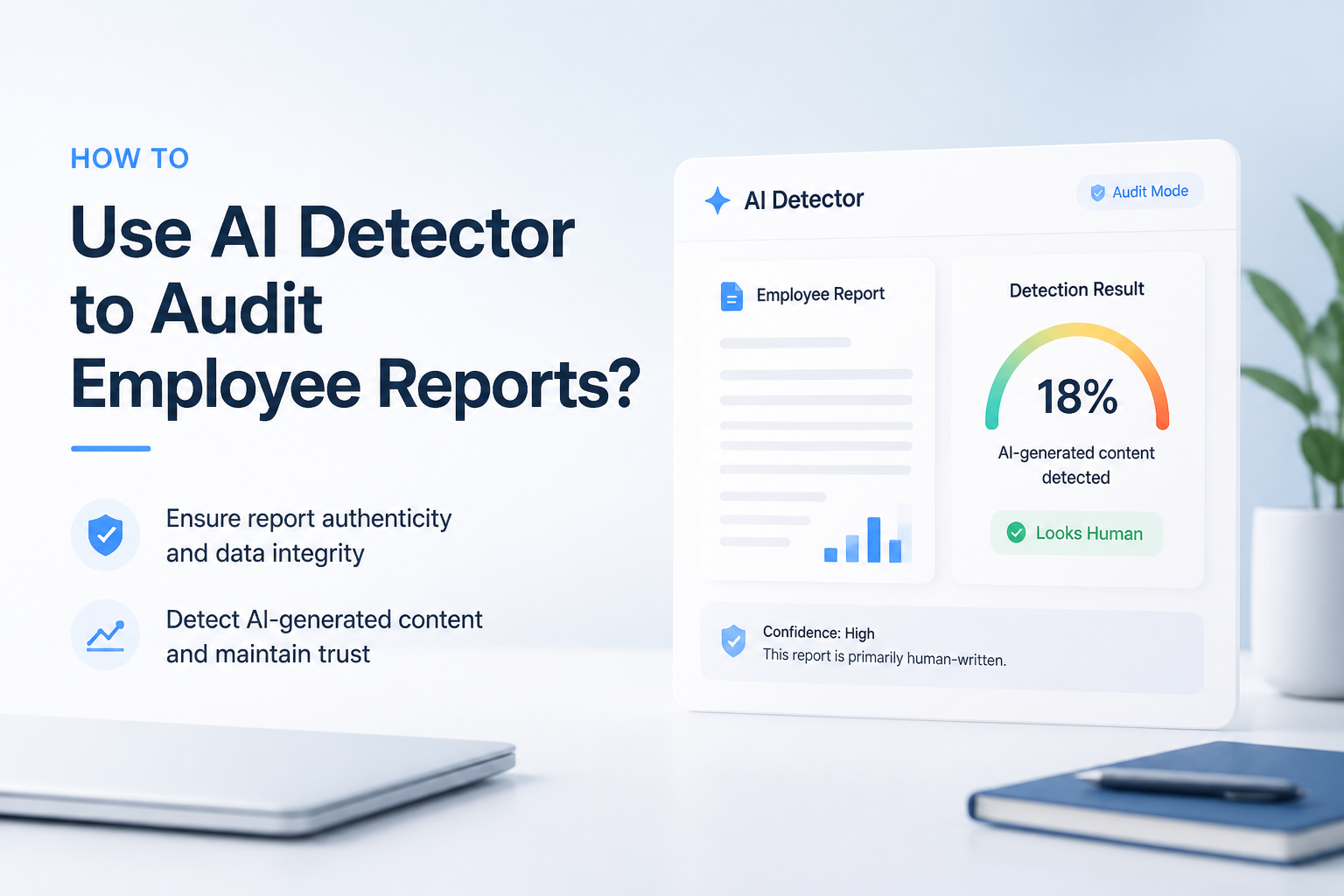
Run the report through Clever AI Detector, then inspect the sentence-level signals instead of relying on the headline score. Compare questionable passages with prior writing, verify every important fact, then discuss the evidence with the employee before making a decision.
Do not treat an AI score as proof. False positives can occur, especially with formal, heavily edited, templated, or non-native English writing. Remove confidential information before pasting workplace material into any external service.
Scan Employee Reports → Clever AI Detector
Free probability score · Sentence-level signals · Up to 10,000 English words per check
Choose the Right Method for Auditing Employee Reports With AI Detection
Start with broad screening, then move toward evidence that has real workplace context.
| Method | Best for | Time | Success rate |
|---|---|---|---|
| 1. Scan the Full Report With Clever AI Detector TRY FIRST | Initial report screening | ~3 min | ● 90% |
| 2. Review Flagged Sentences in Context | Locating questionable passages | ~5 min | ● 85% |
| 3. Compare the Report With Known Employee Writing | Checking unusual style changes | ~10 min | ● 72% |
| 4. Verify Sources, Facts, Plus Revision History | Finding factual or sourcing problems | ~15 min | ● 95% |
| 5. Document Findings Before Holding a Fair Review | Making a defensible workplace decision | ~20 min | ● 88% |
When AI Detection Should Not Lead the Employee Review
Skip detector-led conclusions for very short reports, translated text, rigid templates, legal boilerplate, or documents heavily edited by several people. These cases can produce a strong signal without revealing much about the original drafting process.
If your real concern is an incorrect number, a missed deadline, or poor analysis, investigate that issue directly. Authorship speculation can distract from a problem you can actually verify.
How an Employee Report Audit Might Work in Practice
Suppose a weekly operations report scores high, but only the summary contains strong sentence signals. The manager checks the supporting figures, sees that the body matches prior reports, then learns that the employee used an approved writing assistant to polish the summary.
The useful outcome is not catching someone. It is clarifying disclosure rules, checking the facts, plus deciding whether the final work meets the role's standards.
Top 5 Methods to Audit Employee Reports With an AI Detector
01 Scan the Full Report With Clever AI Detector
Best first pass for spotting sections that deserve a closer review
~3 min
Scan the Full Report With Clever AI Detector
Best first pass for spotting sections that deserve a closer review
Start with one complete report so the overall score has enough context. Clever AI Detector returns an AI probability, a confidence indicator, plus sentence-level signals without requiring an account.
- Remove employee names, client details, financial records, or other confidential material before using an external tool.
- Open Clever AI Detector, then paste the report into the text box. Upload the file instead if that route fits your workflow.
- Confirm that the text contains at least 80 words but no more than 10,000 words.
- Select Check for AI, then wait for the analysis.
- Record the overall probability plus confidence level as screening information, not proof of misconduct.
02 Review Flagged Sentences in Context
Useful when a report contains a few suspicious passages rather than one uniform style
~5 min
Review Flagged Sentences in Context
Useful when a report contains a few suspicious passages rather than one uniform style
An overall percentage can hide a lot. Sentence-level review helps separate ordinary business phrasing from passages that look unusually predictable, generic, or disconnected from the employee's normal work.
- Open the sentence-level results beneath the overall score.
- Mark only the passages carrying the strongest signals. Do not treat every highlighted line as equally meaningful.
- Read each marked sentence with the paragraph before it plus the paragraph after it.
- Look for abrupt shifts in vocabulary, rhythm, specificity, formatting, or subject knowledge.
- Classify each passage as routine wording, needs verification, or requires discussion.
03 Compare the Report With Known Employee Writing
Stronger than judging detector output without a personal baseline
~10 min
Compare the Report With Known Employee Writing
Stronger than judging detector output without a personal baseline
A writing baseline gives the detector result practical context. Use comparable material, such as earlier reports from the same role, rather than casual chat messages or rushed notes.
- Choose two or three earlier samples written before the questioned report, preferably on similar topics.
- Check that the comparison samples were produced under roughly similar deadlines plus editing conditions.
- Compare sentence length, recurring terms, examples, formatting habits, plus the level of operational detail.
- Run one earlier sample through the same detector if workplace policy permits it.
- Note major differences, but also consider a new template, stronger editing, language assistance, or collaboration as possible causes.
04 Verify Sources, Facts, Plus Revision History
Best for reports where accuracy matters more than authorship style
~15 min
Verify Sources, Facts, Plus Revision History
Best for reports where accuracy matters more than authorship style
AI assistance becomes risky when a report includes invented facts, vague citations, or conclusions unsupported by workplace data. A source audit often reveals more than a detector score.
- List every statistic, quotation, customer claim, regulation, plus external reference in the report.
- Open each cited source to confirm that it exists plus supports the surrounding statement.
- Compare internal figures with spreadsheets, dashboards, meeting notes, or approved systems of record.
- Review version history where available to see how the report developed over time.
- Ask for calculations, notes, source files, or assumptions behind any conclusion that cannot be reproduced.
05 Document Findings Before Holding a Fair Review
Necessary when the audit may affect coaching, approval, or discipline
~20 min
Document Findings Before Holding a Fair Review
Necessary when the audit may affect coaching, approval, or discipline
Close the audit with a repeatable process rather than a snap judgment. Keep the detector result separate from verified policy breaches, factual errors, plus the employee's explanation.
- Create a short audit record showing the report date, detector used, overall score, confidence level, plus passages reviewed.
- Attach specific accuracy concerns, unsupported claims, source problems, or style changes without labeling the employee dishonest.
- Check the workplace AI policy that applied when the report was submitted.
- Meet privately with the employee, show the concerns, then ask how the report was researched, drafted, plus edited.
- Base any decision on the full record, including policy, disclosed tool use, factual quality, revision history, plus the employee's response.
How to Reach a Fair Employee Report Audit Decision
Start with Clever AI Detector when you need a quick screening pass plus clear sentence-level clues. Follow that scan with source verification, a comparison against relevant writing samples, plus a review of document history. If the matter could affect an employee's record, the detector score should remain one small part of a broader, documented review.
Write down your audit criteria before scanning reports so every employee is reviewed under the same standard.