Disk Drill Review for Video Creators: Recovering Lost Videos and Memory Cards
Disk Drill is unusually well suited to camera cards, especially when ordinary recovery tools return broken video fragments. The catch is a paid license plus a strict no-refund policy.
Disk Drill is worth trying before giving up on a formatted or unreadable memory card. Its Advanced Camera Recovery mode is the main draw for video creators because it attempts to rebuild fragmented camera clips. Scan plus preview first, since finding a filename does not guarantee a playable video.
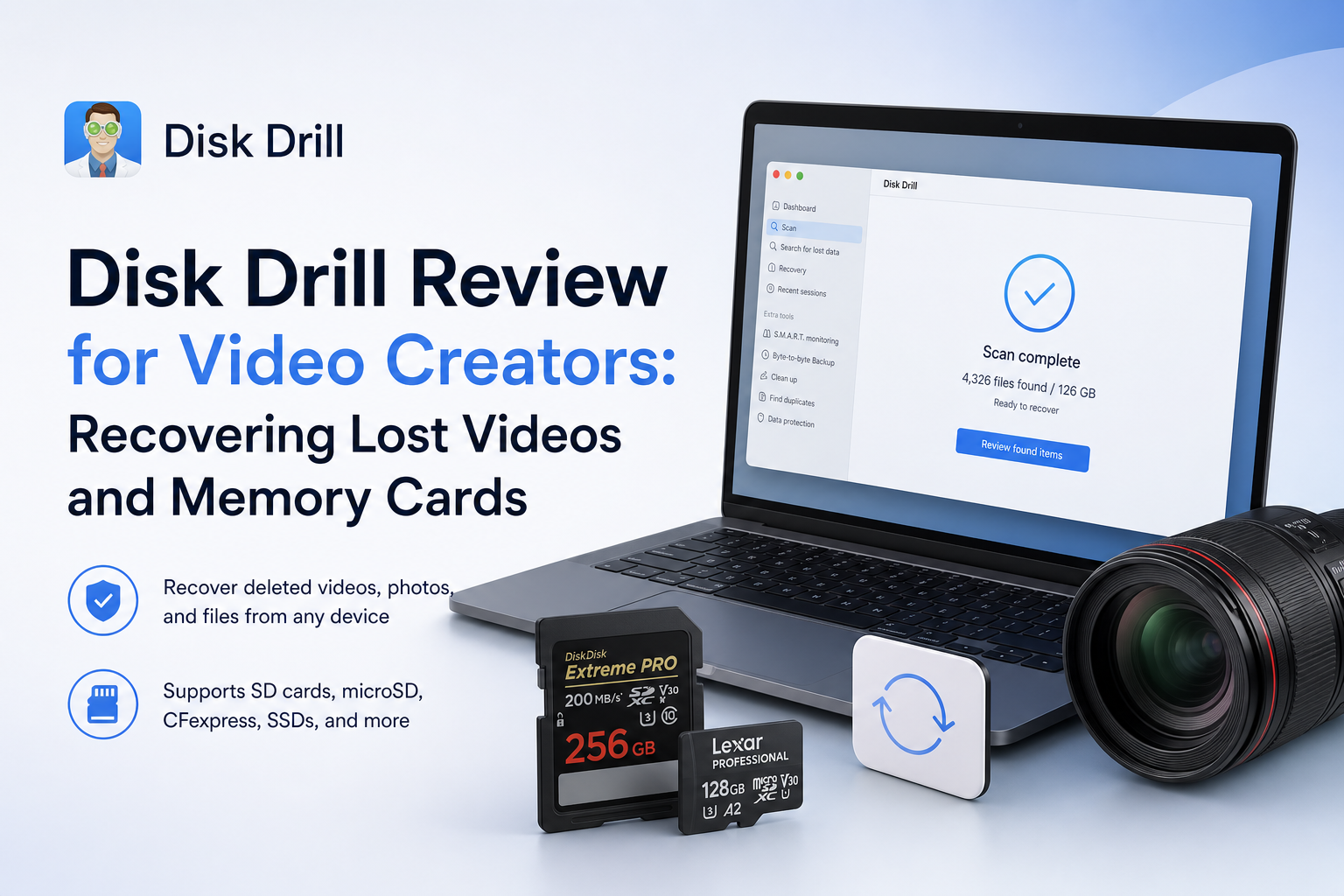
Disk Drill for Video Creators at a Glance
8.8/10Disk Drill is a Windows plus macOS recovery app for deleted files, reformatted storage, damaged file systems, plus inaccessible memory cards. Its camera mode focuses on reconstructing fragmented footage.
Best forVideo creators recovering irreplaceable footage from a card that is still detected by the computer
- Advanced Camera Recovery
- SD plus microSD scanning
- Video preview before purchase
- Byte-to-byte card imaging
- Saved scan sessions
- Strong camera-video focus
- Clear preview process
- Useful card imaging tool
- No guarantee of usable clips
- Generally no refunds
- SSD recovery remains limited by TRIM
Disk Drill Video Recovery Features in Detail
01 Camera Video Recovery
Built for footage that basic file carving may miss
9.4/10
Camera Video Recovery
Built for footage that basic file carving may miss
Advanced Camera Recovery is Disk Drill’s most relevant feature for filmmakers, wedding shooters, drone pilots, plus small production crews. Instead of treating every clip as one continuous block, it attempts to locate separate video pieces before rebuilding the recording.
This matters with footage from cameras that write large clips across scattered card sectors. Simpler recovery tools may find an MP4 or MOV filename yet produce a clip that freezes, turns black, or stops after several seconds. A playable full-length preview is much more useful than a long list of detected files.
- Dedicated recovery mode for camera footage
- Can reconstruct some fragmented video files
- Supports common removable camera storage
- Preview helps identify clips worth restoring
- No software can rebuild overwritten video sectors
- Incomplete recordings may still lack usable metadata

02 Preview Workflow
The best safeguard before paying
9.1/10
Preview Workflow
The best safeguard before paying
Disk Drill lets you scan storage plus inspect supported files before buying Pro. For video work, this step should be treated as the purchase test. Open the important clips, scrub beyond the first few seconds, then check whether picture, duration, plus audio look sensible.
A thumbnail alone proves very little. It may come from an intact embedded image while the underlying video remains damaged. Clips that play from beginning to end are much stronger candidates, though recovery is never guaranteed.
- Scanning works before purchase
- Video results can be filtered by file type
- Search reduces time spent digging through old files
- Recovery estimates provide a useful first pass
- Preview support depends partly on available codecs
- Detected files may still be corrupt
03 Memory Card Handling
Good tools for unstable SD or microSD media
8.9/10
Memory Card Handling
Good tools for unstable SD or microSD media
Disk Drill can scan SD, SDXC, microSD, CFexpress, CompactFlash, plus other storage that the operating system can still detect. It also includes byte-to-byte imaging, which creates a sector-level copy for scanning without repeatedly stressing the original card.
That imaging option is a real advantage when a card disconnects, reports the wrong capacity, or becomes extremely slow. Physical failure is different from accidental deletion. If the card vanishes from Disk Management or Disk Utility, clicks, overheats, or repeatedly drops offline, software is no longer the sensible first move.
- Works with major memory card formats
- Byte-to-byte image creation is included
- Can scan RAW or reformatted volumes
- Recovered files can be saved to separate storage
- The computer must detect the device
- Repeated scans can be risky on failing media
04 Ease of Use
Clear enough during a stressful recovery job
8.7/10
Ease of Use
Clear enough during a stressful recovery job
The basic sequence is easy to follow: select the physical card, start a lost-data search, inspect results, choose an unrelated destination, then recover. Filters for video, size, date, plus extension make a large card less painful to sort.
The interface does include extra utilities that can distract from the urgent job. Video creators should focus on recovery, previews, plus disk imaging. Avoid cleanup features until the missing footage is secured somewhere else.
- Straightforward scan screen
- Useful type plus date filters
- Sessions can be saved for later review
- Results are easier to browse than raw file-carving output
- Extra utilities add visual clutter
- Large scans can produce many duplicate or reconstructed results
05 Cost & Licensing
Reasonable for urgent footage, less appealing for one clip
7.2/10
Cost & Licensing
Reasonable for urgent footage, less appealing for one clip
Disk Drill Basic costs $0 for scanning plus previews. Full recovery requires Pro once any platform-specific free allowance is exhausted. Current listed options include a $89 one-year subscription or a $149 lifetime license, with one user permitted to install the software on as many as three devices.
The lifetime option makes more sense for creators who regularly handle client cards. The difficult part is the purchase policy. CleverFiles says digital license sales are generally final, so preview every critical clip before paying.
- Free scanning plus supported-file previews
- One license covers Windows plus macOS
- Up to three device installations
- Lifetime option avoids recurring renewal
- Annual plan renews unless canceled
- Purchases are generally non-refundable
- Expensive for a small one-time recovery
How We Evaluated Disk Drill for Lost Video Footage
We evaluated the recovery workflow around situations video creators actually face: deleted clips, quick-formatted cards, RAW volumes, fragmented camera recordings, plus unstable removable media. Scoring favored full-video preview, card imaging, result filtering, destination safeguards, plus clear purchase terms.
We also compared official product documentation with recent independent testing plus real-user reports. Recovery claims were treated cautiously because success changes with overwriting, flash-memory behavior, file fragmentation, plus physical card condition.
When Video Creators Should Avoid Scanning a Memory Card
Do not keep running software scans if a card disconnects, becomes unusually hot, reports zero capacity, or disappears from the operating system. Those symptoms can point to controller or flash failure. Continued access may make professional recovery harder.
Also skip DIY recovery if the missing footage is the only copy of a paid wedding, documentary interview, legal recording, or major commercial shoot. A lab costs more, though it avoids using a fragile original as a software experiment.
Disk Drill for Video Creators: Scores by Recovery Category
| Category | Performance | Score |
|---|---|---|
| 01 Camera Video Recovery | 9.4/10 | |
| 02 Preview Workflow | 9.1/10 | |
| 03 Memory Card Handling | 8.9/10 | |
| 04 Ease of Use | 8.7/10 | |
| 05 Cost & Licensing | 7.2/10 |
What Disk Drill Users Report About Real Recoveries
A Reddit poster said Disk Drill recovered photos from an inaccessible SD card in roughly ten minutes. They credited the camera-recovery mode for producing usable fragmented videos where other tools returned broken clips.
One Trustpilot reviewer reported recovering the important contents of a failing 3 TB disk, including thousands of photos. The scan plus recovery took several days, with some files still missing.
A critical Trustpilot reviewer said the scan listed thousands of files, yet the restored results were unusable. Their experience shows why a detected filename should not be mistaken for a healthy file.
Another reviewer said Disk Drill recovered about 1,000 images from an unreadable SanDisk card in under an hour.
Should Video Creators Get Disk Drill?
Disk Drill is a good first software option for lost camera footage, particularly when an SD card was reformatted, became RAW, or contains fragmented videos. Its preview tools plus camera-specific scan give working videographers a practical way to judge the result before buying.
Skip it when the card is physically unstable, invisible to the computer, or contains footage valuable enough to justify a recovery lab. For ordinary deletion or accidental formatting, stop using the card immediately, image it, then inspect full previews before purchasing Pro.
Lock the memory card, make a byte-to-byte image on another drive, then scan the image instead of repeatedly scanning the original card.