Clever AI Detector Review 2026: Best AI Checker for Teachers
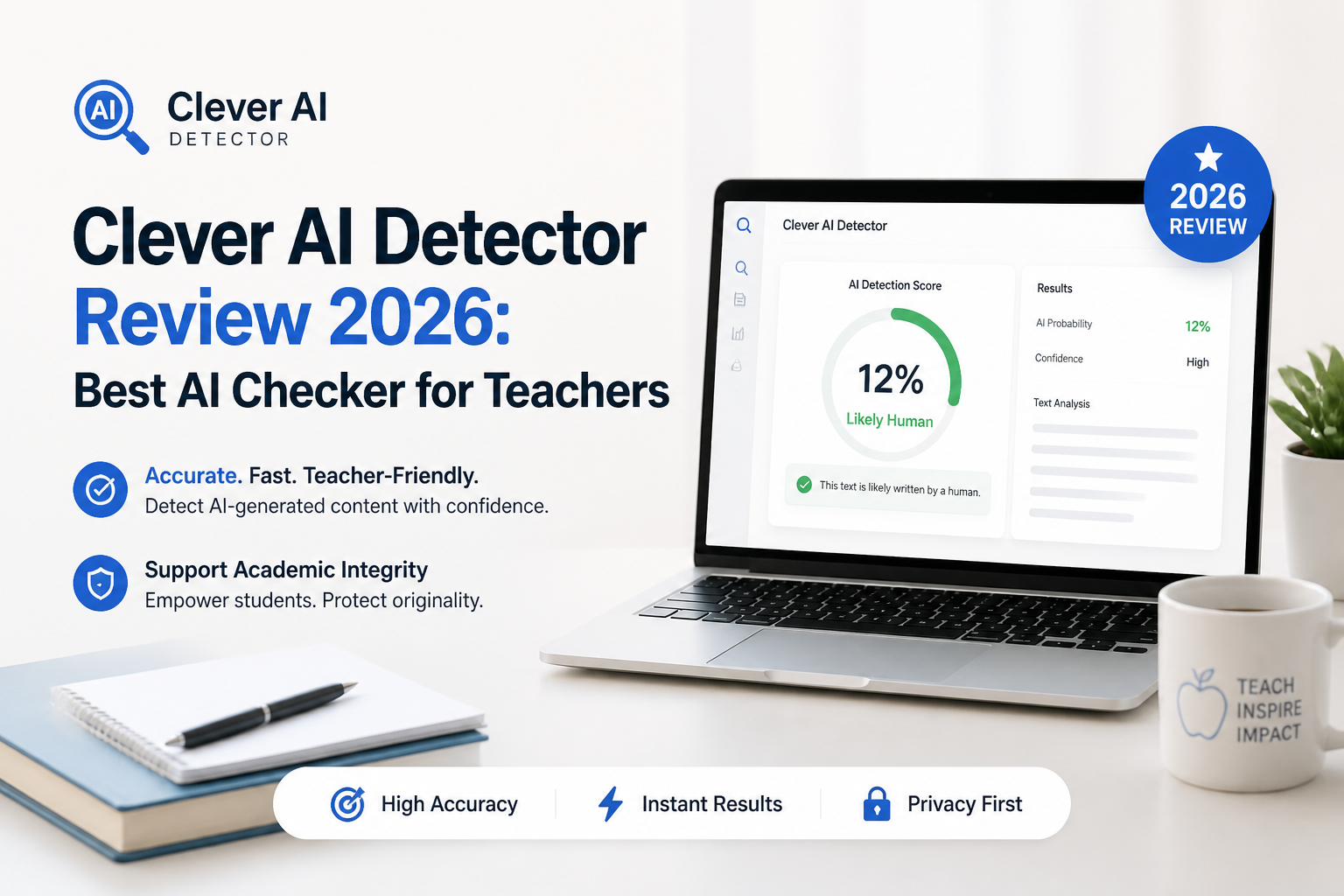
Clever AI Detector gives teachers a fast, readable first pass on student writing without charging per scan. Its sentence-level signals are genuinely useful, though no score should be treated as proof of misconduct.
Clever AI Detector is our top free AI checker for teachers because it accepts up to 10,000 words per scan, highlights suspicious sentences, shows confidence instead of pretending certainty, plus costs $0. Use it to decide which passages deserve a closer look, not to decide guilt.
Clever AI Detector at a Glance
9.2/10Clever AI Detector is a browser-based checker that estimates whether English text resembles AI writing. It returns an overall probability, confidence cues, plus sentence-level highlights.
Best forTeachers reviewing full English essays before a manual authorship discussion
- AI probability score
- Sentence-by-sentence signals
- Up to 10,000 words per scan
- Unlimited browser checks
- Optional check history
- No paywall
- Large per-scan allowance
- Useful passage-level review
- English only
- No LMS tools
- Cannot prove AI use
Clever AI Detector for Teachers: How It Scored by Category
| Category | Performance | Score |
|---|---|---|
| 01 Detection Performance | 9.7/10 | |
| 02 Sentence-Level Analysis | 9.5/10 | |
| 03 Teacher Workflow | 9.1/10 | |
| 04 Cost and Access | 9.6/10 | |
| 05 Privacy and Limitations | 7.8/10 |
How We Evaluated Clever AI Detector for Classroom Use
We reviewed the live detector workflow on September 4, 2026, focusing on the limits a teacher encounters before, during, plus after a scan. We checked input requirements, report detail, confidence wording, sentence flags, account requirements, language support, current pricing, plus the availability of saved history.
For performance context, we examined the published 600-text GEDE-based comparison plus outside discussion of its missing false-positive data. Scores gave extra weight to explainable results, practical classroom review, plus honest handling of uncertainty. We did not interpret the vendor's benchmark percentage as a universal accuracy figure.
When Teachers Should Avoid Using Clever AI Detector
Do not upload work containing student names, disability details, counseling information, grades, unpublished research, or other protected material unless your school has approved the service. Redacting the first page is not always enough because a personal essay may identify its writer through the story itself.
Avoid running very short answers as decisive tests. Eighty words is the stated minimum, yet a full response usually gives the model more context. Most of all, do not turn a high score into an automatic zero. Ask for notes, version history, source explanations, or a short conversation about how the paper was developed.
Clever AI Detector Features and Classroom Tradeoffs
01 Detection Performance
Particularly promising on edited AI essays
9.7/10
Detection Performance
Particularly promising on edited AI essays
Clever produced the clearest results on longer, essay-shaped material. The overall probability is easy to read, while confidence cues stop a middling result from looking more decisive than it is.
A published comparison using 600 texts from the GEDE education dataset reported a 99.3% catch rate across four AI-content groups, including rewritten, improved, plus humanized essays. That is an encouraging result, not a universal accuracy guarantee. The comparison did not publish the matched human-text false-positive rate teachers would need before making high-stakes decisions.
- Strong reported performance on modified AI writing
- Probability format leaves room for uncertainty
- Works better with full passages than tiny snippets
- Covers writing associated with major chatbots
- Published benchmark lacks a reported human false-positive rate
- Results can vary with writing style, length, or model updates
02 Sentence-Level Analysis
The highlights matter more than the headline score
9.5/10
Sentence-Level Analysis
The highlights matter more than the headline score
The useful part is not the big percentage. It is the marked text underneath. Clever evaluates sentences separately, helping a teacher spot where the writing suddenly becomes unusually predictable, uniform, or full of stock phrasing.
This makes manual review less vague. A flagged paragraph can be compared with earlier drafts, classroom writing, sources, citations, or the student's explanation of the argument. Confidence indicators also make borderline passages easier to set aside instead of forcing a yes-or-no conclusion.
- Highlights individual sentences for review
- Shows confidence beside the probability result
- Makes mixed human plus AI-assisted documents easier to inspect
- Report can be copied for private review notes
- A highlighted sentence does not explain who wrote it
- Formal academic prose may still trigger false signals
03 Teacher Workflow
Quick for one paper, less suited to whole-school administration
9.1/10
Teacher Workflow
Quick for one paper, less suited to whole-school administration
The basic routine is pleasantly short: paste or upload a paper, run the check, inspect the highlighted sentences, then copy the report if needed. Each check accepts 80 to 10,000 words, so most essays fit without splitting them into fragments.
No account is required for a quick scan. An optional free account adds check history, which may help an instructor compare revisions. Clever does not currently look like a full institutional system, though. There is no visible LMS integration, class roster, batch queue, or administrator dashboard on the detector page.
- Most essays fit in one scan
- No registration required for basic checks
- Optional history helps compare revisions
- Clean interface has little setup friction
- No advertised LMS integration
- No obvious bulk upload or class-management tools
- English-only detection limits multilingual courses
04 Cost and Access
Unusually generous for a no-cost browser tool
9.6/10
Cost and Access
Unusually generous for a no-cost browser tool
Clever AI Detector currently charges $0. It advertises unlimited runs, no ads, no paywall, plus full sentence-level results without a subscription. That matters for teachers checking several drafts during a busy grading week.
The company says it may move toward a paid version after an initial free period, so $0 should be treated as the September 2026 price rather than a permanent promise. At the time of this review, there is no paid detector tier to compare.
- Full detector costs $0
- Unlimited checks are advertised
- 10,000-word allowance covers long assignments
- No account wall for first-time use
- Free pricing may change later
- Service availability can still limit access
05 Privacy and Limitations
Fine for cautious screening, not blind institutional use
7.8/10
Privacy and Limitations
Fine for cautious screening, not blind institutional use
Clever openly says its result is a probability, not proof. It also acknowledges that formal, heavily edited, or non-native writing can produce false positives. That warning is essential for schools, where one bad flag can affect a real student.
Teachers should remove names, student IDs, medical details, accommodation information, plus unpublished personal material before using any third-party checker. Confirm district policy first. The detector page says submitted text is not used for model training, but educators still need local approval before uploading protected student work.
- Clear disclaimer against treating scores as proof
- Company states submitted text is not used for training
- Guest access reduces the need to create accounts
- Not a substitute for an approved academic-integrity process
- Student work may contain information unsuitable for external tools
- No visible school-specific compliance package
What People Say About Clever AI Detector
A Reddit commenter described Clever as a regular detector during increased academic AI checks, mainly because the service was free. The comment came from a student perspective, so teachers should read it as a usability note rather than accuracy evidence.
After trying the interface, this forum contributor found the paste, scan, score, plus highlighted-passage workflow straightforward. They also warned that convenience should not be confused with proof.
This user favored Clever for initial screening of rewritten AI material, but recommended marking disagreements with other detectors as inconclusive. That is a sensible classroom rule.
A critical commenter liked the benchmark enough to suggest a trial, yet wanted testing on known human writing before regular use. They also stressed that scores can shift after model updates.
Should Teachers Use Clever AI Detector?
Clever AI Detector is an easy recommendation for teachers who want a free screening tool with more detail than a blunt red warning. Its 10,000-word limit, sentence signals, plus uncertainty-aware presentation make it practical for reviewing essays.
Use it to locate passages worth discussing, then check drafts, citations, writing history, plus the student's reasoning. Skip it as a sole enforcement tool, especially if your school has not approved third-party processing of student work.
Scan a few known human assignments from the same class before checking disputed work, then record where the detector tends to overreact.