What Does an AI Detection Percentage Mean?
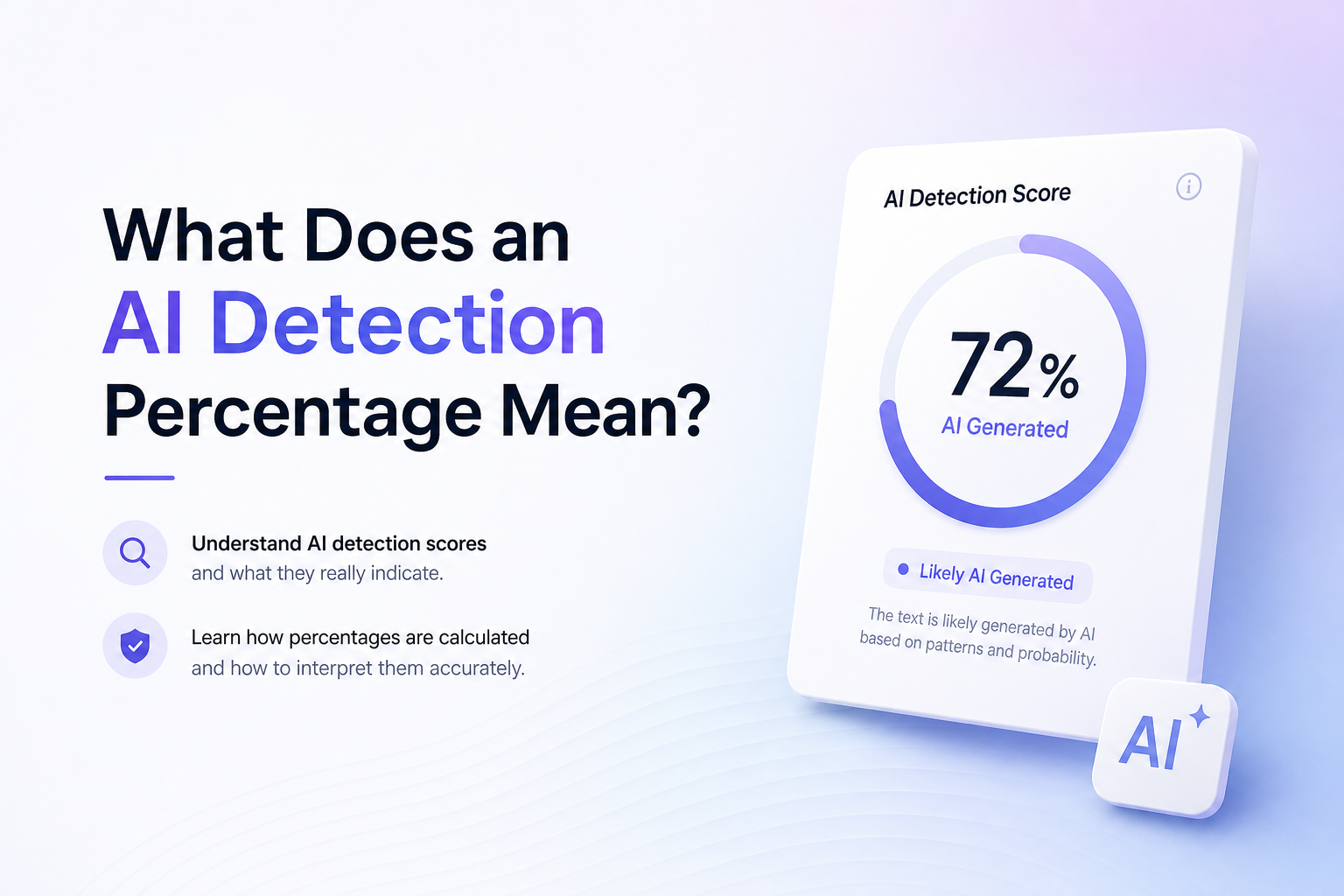
An AI detection percentage is a model’s estimate, not a lab result or a direct measurement of who typed the words. Here is how to decode the label, check weak spots, plus respond without overreacting.
First, read what the percentage is measuring. It might mean confidence that the document resembles AI text, the estimated portion flagged, or a human-writing score. Check the label, review highlighted passages, then compare another detector if the result carries real consequences.
Do not treat one detector score as proof. Human writing can be flagged, while edited AI text can pass. For school or workplace disputes, preserve drafts, notes, sources, plus version history.
Revise Stiff AI-Assisted Text → Clever AI Humanizer
Reworks common AI-style patterns · Offers several writing styles · Requires a final human accuracy check
When an AI Detection Score Should Not Drive Revision
Do not rewrite a clear, accurate passage solely because a checker marked it. Academic definitions, legal wording, product specifications, plus short factual summaries can sound predictable because there are only so many accurate ways to phrase them.
Also pause before changing quoted text, citations, formulas, or required terminology. A lower score is not worth introducing an error.
How to Read a 78% AI Detection Result
Suppose a detector reports “78% AI probability.” That usually means its model sees strong AI-like patterns in the submitted sample. It does not necessarily mean 78% of the words came from a chatbot.
If another tool calls the same passage “92% human,” the numbers are not directly comparable. Read each label, inspect overlapping highlights, then use authorship records if the question matters.
Choose the Right Way to Interpret an AI Detection Percentage
Start with the score label, then investigate only as far as the situation requires.
| Method | Best for | Time | Success rate |
|---|---|---|---|
| 1. Read the Detector’s Score Label TRY FIRST | Understanding what the number measures | ~2 min | ● 95% |
| 2. Check the Detector’s Result Band | Scores close to a category cutoff | ~3 min | ● 90% |
| 3. Review the Flagged Passages | Finding patterns worth revising | ~8 min | ● 82% |
| 4. Compare Results From Two Detectors | Conflicting or higher-stakes results | ~10 min | ● 74% |
| 5. Revise the Draft With Clever AI Humanizer | Improving permitted AI-assisted drafts | ~12 min | ● 70% |
Top 5 Ways to Interpret an AI Detection Percentage
01 Read the Detector’s Score Label
Start here because 80% AI probability can mean something very different from 80% of text flagged
~2 min
Read the Detector’s Score Label
Start here because 80% AI probability can mean something very different from 80% of text flagged
Do not interpret the number until you know what the tool claims to measure. A percentage may represent confidence, estimated AI-written text, a human score, or the share of sentences marked as suspicious.
- Find the exact label beside the percentage, such as AI probability, AI content, or human score.
- Open the detector’s help text, tooltip, or scoring guide.
- Write the result in plain language. For example,
The tool estimates a high chance that this sample resembles AI writing. - Check whether the score applies to the whole document, selected passages, or individual sentences.
- If the meaning remains unclear, treat the result as an alert rather than a factual measurement.

02 Check the Detector’s Result Band
Useful when the raw percentage looks precise but the tool sorts it into broader categories
~3 min
Check the Detector’s Result Band
Useful when the raw percentage looks precise but the tool sorts it into broader categories
Many detectors convert a numerical score into labels such as human, mixed, uncertain, or AI. Those thresholds often matter more than a one-point difference.
- Locate the category displayed beside or below the percentage.
- Look for the cutoff between categories in the detector’s documentation.
- See how close your result sits to that cutoff. A score of 51% may be barely over a threshold rather than strong proof.
- Treat results near the boundary as uncertain, especially if the tool uses labels such as mixed or possibly AI.
- Save the percentage plus its category so you do not lose the detector’s original context.
03 Review the Flagged Passages
Best for finding repetitive wording, flat transitions, or sentence patterns that raised the score
~8 min
Review the Flagged Passages
Best for finding repetitive wording, flat transitions, or sentence patterns that raised the score
A document-level number cannot tell you why a passage was flagged. Sentence highlights give you a better place to investigate, though highlighting is still a prediction rather than proof of authorship.
- Open the sentence-level or paragraph-level view if the detector provides one.
- Read each marked passage aloud to catch repeated cadence, vague claims, or overly tidy transitions.
- Compare flagged text with unflagged text from the same document.
- Verify facts, citations, names, dates, plus quoted material before changing the prose.
- Revise only passages that are genuinely weak, unclear, or unlike your normal voice.
04 Compare Results From Two Detectors
A practical cross-check when one score could affect school, work, or publication
~10 min
Compare Results From Two Detectors
A practical cross-check when one score could affect school, work, or publication
Different detectors can score the same text very differently because their models, thresholds, plus labels are not standardized. A second result can reveal whether the first score is stable or merely tool-specific.
- Use the same unedited passage in both detectors.
- Keep the sample long enough to provide context, since very short text can produce shaky results.
- Record each percentage, its label, plus any highlighted sentences.
- Check whether both tools flag the same sections rather than focusing only on the overall numbers.
- If the results conflict sharply, rely on drafts, notes, version history, sources, plus human review instead of choosing the score you prefer.
05 Revise the Draft With Clever AI Humanizer
Helpful for authorized AI-assisted text that reads stiff or repetitive after you interpret the original score
~12 min
Revise the Draft With Clever AI Humanizer
Helpful for authorized AI-assisted text that reads stiff or repetitive after you interpret the original score
Clever AI Humanizer can rewrite common machine-like patterns while preserving the main point. Use it for readability, not to disguise misconduct or replace your own fact-checking.
- Save the original draft plus its detector result before making changes.
- Paste only text you wrote or have permission to revise into Clever AI Humanizer.
- Choose a writing style that fits the real audience rather than the style with the lowest promised score.
- Review every changed sentence for factual drift, lost nuance, unsupported claims, or altered citations.
- Add your own examples, judgment, sources, plus subject knowledge.
- Retest with the original detector, then compare the highlighted passages rather than chasing a perfect zero.
What Should You Do With an AI Detection Score?
Read the detector’s label before reacting to its percentage. That simple check prevents the most common mistake, which is treating a confidence score as the exact portion written by AI. Review highlights for genuine writing problems, use a second detector for consequential cases, or try Clever AI Humanizer when an authorized AI-assisted draft needs a more natural revision.
Keep your outline, drafts, research notes, source files, plus revision history because evidence of your writing process is more useful than arguing over one percentage.